

The complete guide
How To Choose A 1080p Webcam With Auto Framing
The problem with the camera you already have
Most laptops come with a camera that was designed to cost almost nothing. It sits behind a tiny lens, uses a sensor the size of a grain of rice, and runs at 30 frames per second with heavy noise reduction smearing the detail. In good light it looks acceptable. In a real room, with a window on one side and a lamp on the other, it falls apart. Faces go gray, edges go soft, and the picture flickers as the camera hunts for the right exposure.
The second problem is framing. A built-in camera has one fixed view. If you sit slightly off to one side, that is where you stay. If you stand up to point at something, you leave the frame entirely. People on the other end of the call stop paying attention to what you are saying and start noticing that half your head is missing.
A 1080p webcam with auto framing solves both at once. A bigger sensor and a brighter lens fix the picture quality. AI framing fixes the composition. Neither requires you to do anything during the call, which is the whole point.
How auto framing works
On a fixed webcam, auto framing generally means subject recognition plus a digital crop. The maker describes this one as recognizing individuals or groups and optimizing the composition and focus for each frame in real time. When you move, the composition adjusts with you.
Group mode changes the rule. Instead of tracking one face, it finds all the faces and widens the crop to include everyone. That matters in a shared office or a small conference room, where one person leaning forward should not cause the camera to abandon the other three.
Because the crop is digital, the quality of the result depends heavily on the sensor underneath it. A camera that crops into a weak sensor just gives you a smaller, noisier picture. That is why the sensor specs matter more on a framing camera than on a fixed one. This model uses a 1/2.8 inch CMOS sensor with an f1.8 maximum aperture and a 26 mm maximum focal length, which gives the crop something decent to work with.
Frame rate, and when it actually matters
Almost every webcam on the shelf runs at 1080p 30fps. That is enough for speech. Your mouth moves, the audio syncs, nobody complains.
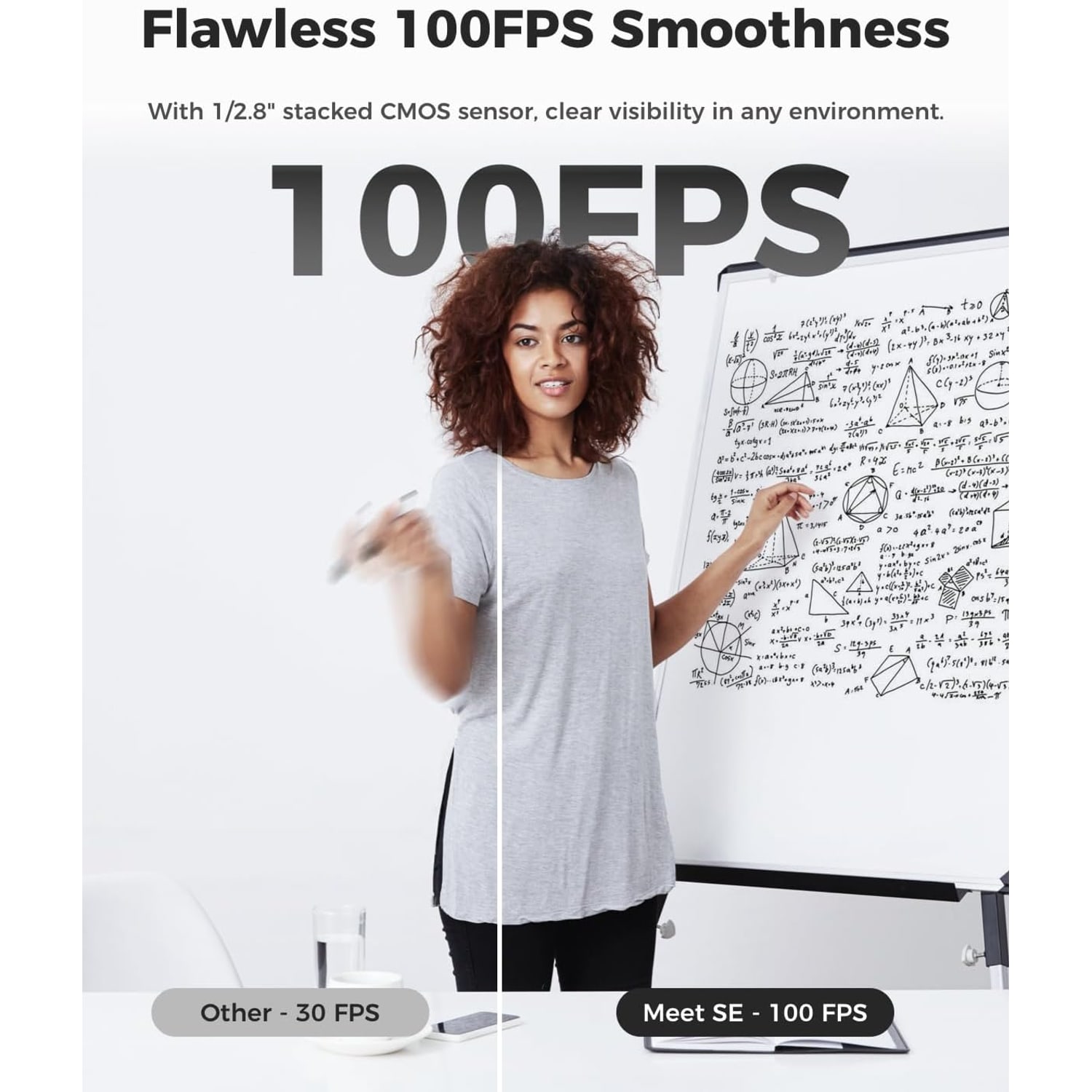
Where 30fps shows its limits is motion. Wave your hand and it breaks into visible steps. Turn your head quickly and the image smears. If you demonstrate a physical product, play games on camera, or simply talk with your hands, the difference between 30fps and 60fps is obvious to anyone watching.
This camera offers 1080p at 100fps and 1080p at 60fps, plus a 720p mode at 150fps. Realistically, most conferencing apps will cap you at 30fps regardless of what the camera can do, because that is what their bandwidth budget allows. The high frame rate modes pay off when you control the pipeline yourself, in recording software or a streaming setup. If you only ever join scheduled calls, treat the extra frame rate as headroom rather than a daily benefit.
Reading the low light specs
Two numbers do most of the work here. Sensor size and aperture.
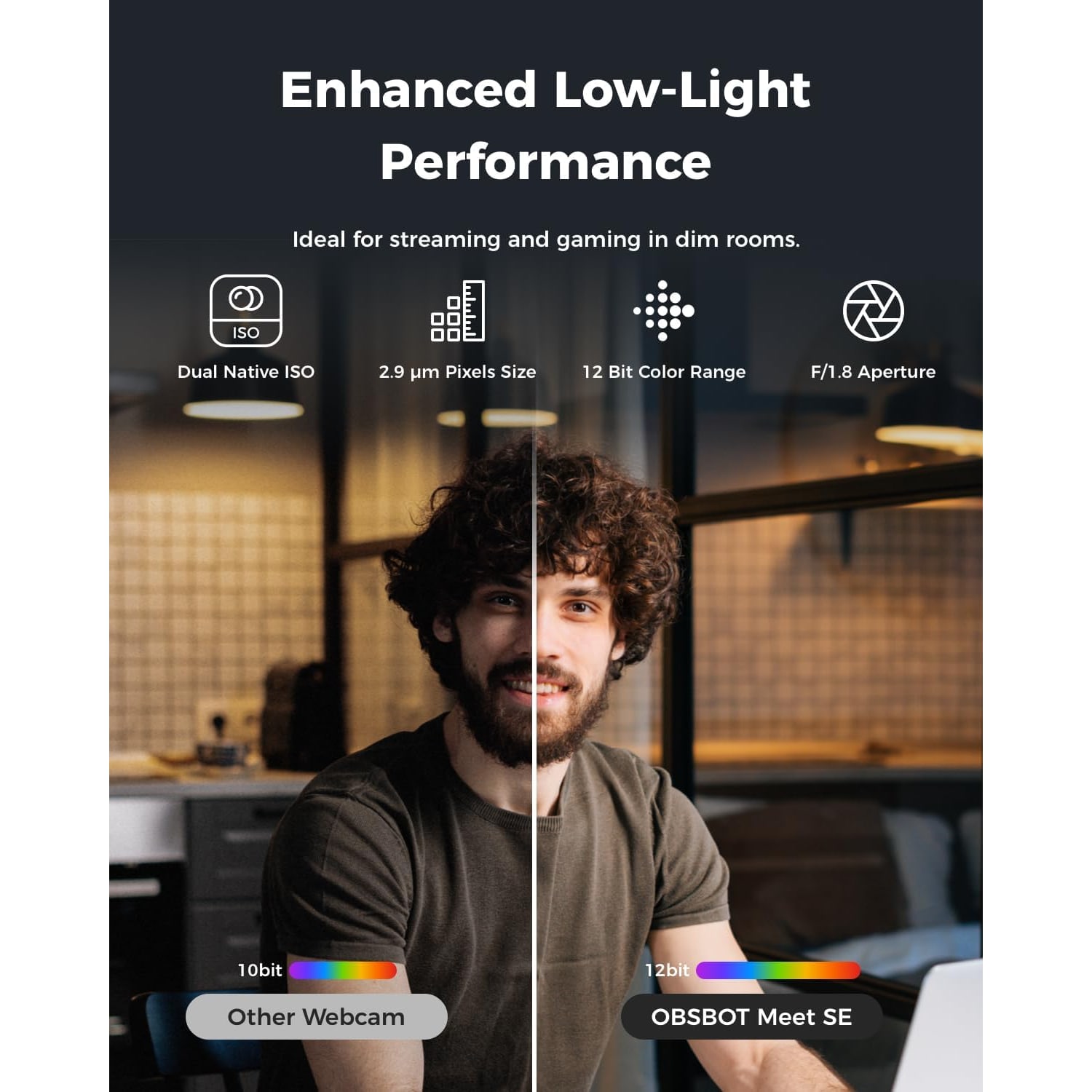
The sensor is 1/2.8 inch. Compared with the tiny sensors in laptop lids, that is a meaningful jump in light-gathering area. More area means more signal, and more signal means less noise when the room is dim.
The aperture is f1.8. Lower numbers mean a wider opening and more light reaching the sensor. An f1.8 maximum aperture is a wide opening for a small camera.
Staggered HDR covers the other half of the lighting problem, which is not darkness but contrast. A window behind you is dramatically brighter than your face. A standard camera has to choose one or the other, so either you become a silhouette or the window blows out to white. HDR captures the scene in a way that keeps detail in both.
None of this means you can film in a dark room and expect miracles. A small light in front of you still improves things more than any sensor. But it does mean the camera will cope with normal, imperfect rooms without you rearranging the furniture.
Who this suits
It fits people who are on camera regularly and move while they are on it. Trainers, teachers, consultants, anyone who shifts around mid-call. Framing earns its keep when you are not sitting still.
It fits small teams sharing one camera, because of group mode. Rather than crowding into a fixed frame, you let the camera find everyone.
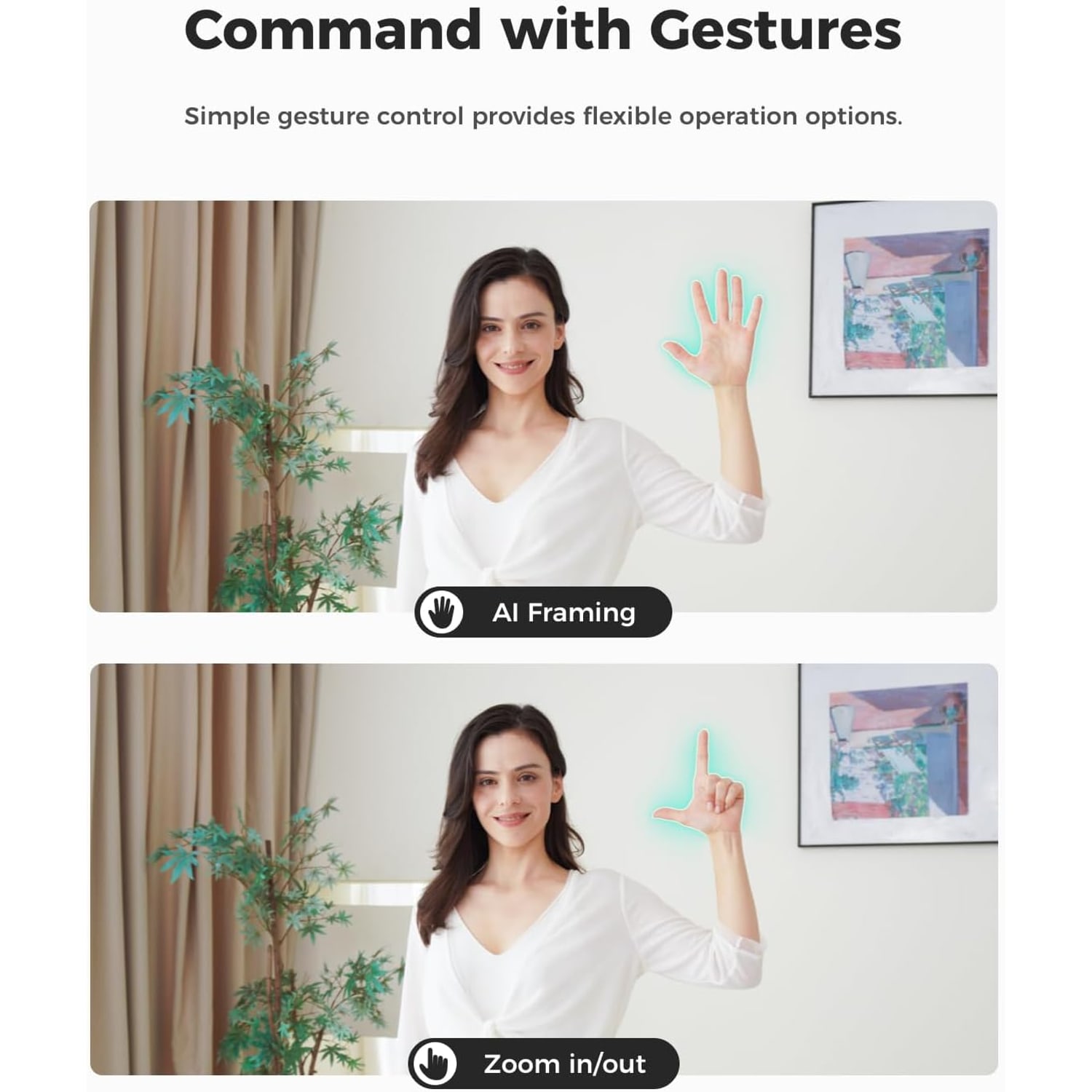
It fits streamers and creators, mostly for the frame rate options, the gesture control, and the integration support. SDK, OSC, Stream Deck and global hotkeys mean it can be wired into a scene-based setup instead of being another device you have to tab away to adjust. Being able to flick framing on or off with an open hand, or step the zoom with a pointing gesture, is genuinely useful when both hands are busy.
It is less essential if you take two scheduled calls a week, sit still, and have a well-lit desk. A simpler camera will serve you fine in that case.
What to check before you buy
Start with your ports. The camera connects over USB-C. A USB-C to USB-A adapter is included, so an older machine is not a dealbreaker, but check you have a free port that is not already loaded with a hub full of drives.
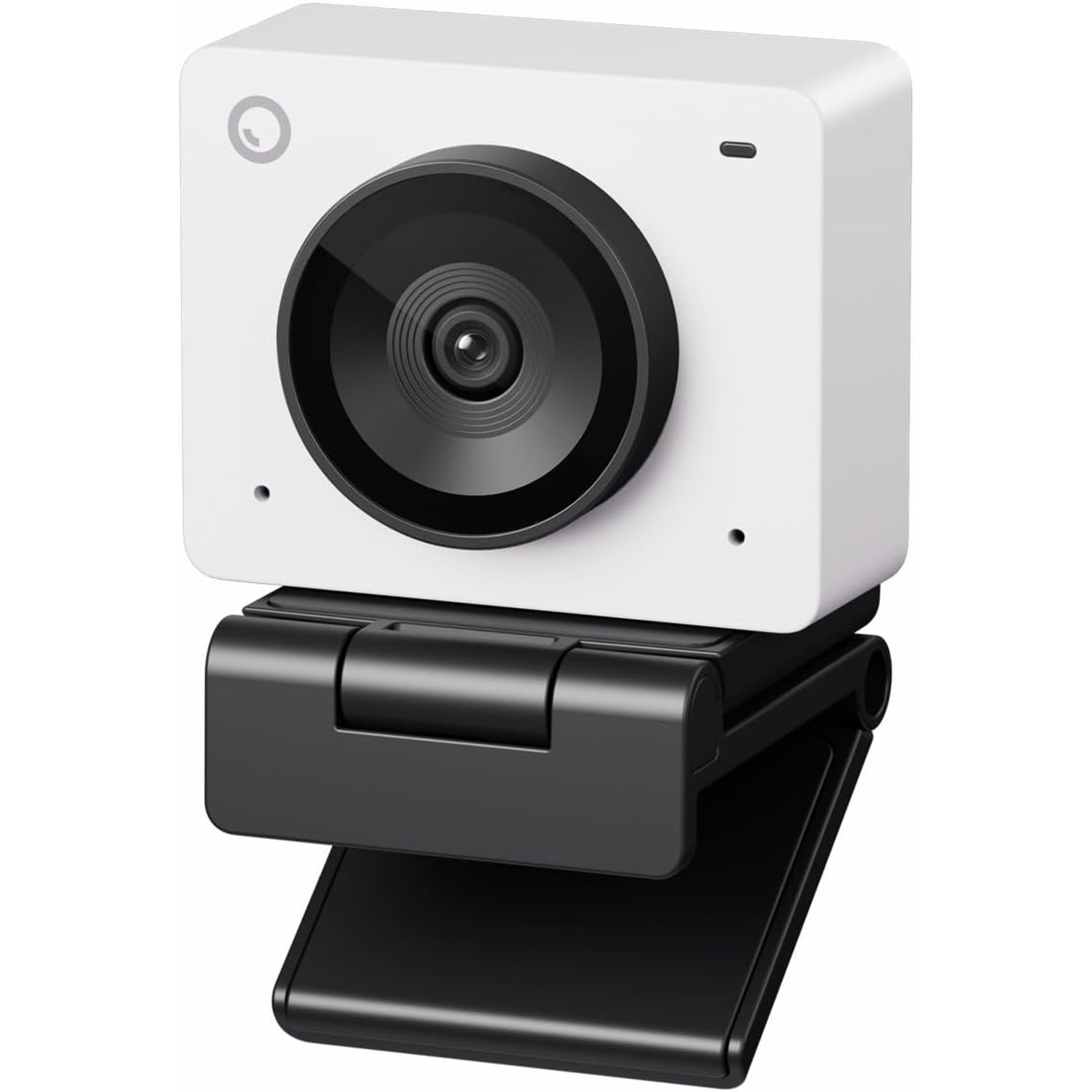
Think about where it will sit. The magnetic mount handles most monitor and laptop lid positions. The camera weighs 33.2 g. Portrait and upside down shooting modes give you flexibility if your mounting spot is unusual.
Decide whether you need onboard recording. This camera has none. The maker states there is no storage media, and everything is captured by the connected computer. If you want a device that records independently, this is not it.
Consider your software. The camera is plug and play for basic use, so you can skip the companion app entirely. If you want the beauty parameters, brightness and hue adjustments, you will want to install it. Either path works.
Finally, be realistic about digital zoom. The 4x zoom is digital, with 1x optical. Zooming crops into the sensor, so the picture gets softer as you push in. Use it to tighten a shot slightly, not to reach across a room.
Care and everyday handling
A webcam lives a soft life, but the lens still collects dust and fingerprints. Wipe it with a dry microfiber cloth and light pressure. Avoid sprays and solvents, which can damage coatings. The included privacy cover does double duty by keeping dust off the glass between sessions.
The unit is not water resistant, so keep it clear of drinks, steam and open windows in bad weather. Unplug the USB-C cable by gripping the connector rather than yanking the cord, and avoid wrapping the cable tightly around the camera body when you pack it away. Cables fail at the strain point long before cameras fail.
The short version
If your current camera makes you look washed out in a normal room, or keeps leaving you half out of frame when you move, this fixes both problems with no ongoing effort from you. The 1/2.8 inch sensor and f1.8 lens handle the light. AI auto framing handles the composition. The high frame rate modes are there when you need them and harmless when you do not.
Set up is one USB-C cable. The mount, adapter and privacy cover are in the box. It weighs 33.2 g, records nothing on its own, and relies on your computer for storage. For a desk that sees real camera use every week, that is a sensible trade.