
The complete guide
How to Choose an Indoor Security Camera That Actually Gets Used
The problem with most indoor cameras
Plenty of people buy an indoor camera, set it on a bookshelf, and never open the app again after week two. The camera is usually not the problem. The setup is. It points at one wall, it fires thirty alerts a day because a ceiling fan is spinning in frame, or the night picture is so grainy you cannot tell a person from a coat stand.
The fix is picking a camera that covers more of the room, sends fewer useless alerts, and gives you a picture worth looking at when the lights are off. That is really the whole job. Everything below is about how the specs on this page translate into whether you keep using the thing.
What pan and tilt really buys you
A fixed camera sees one slice of a room. Depending on the lens, that might be 90 or 110 degrees. It sounds like a lot until you put it in a real living room and realize the doorway is just outside the frame.
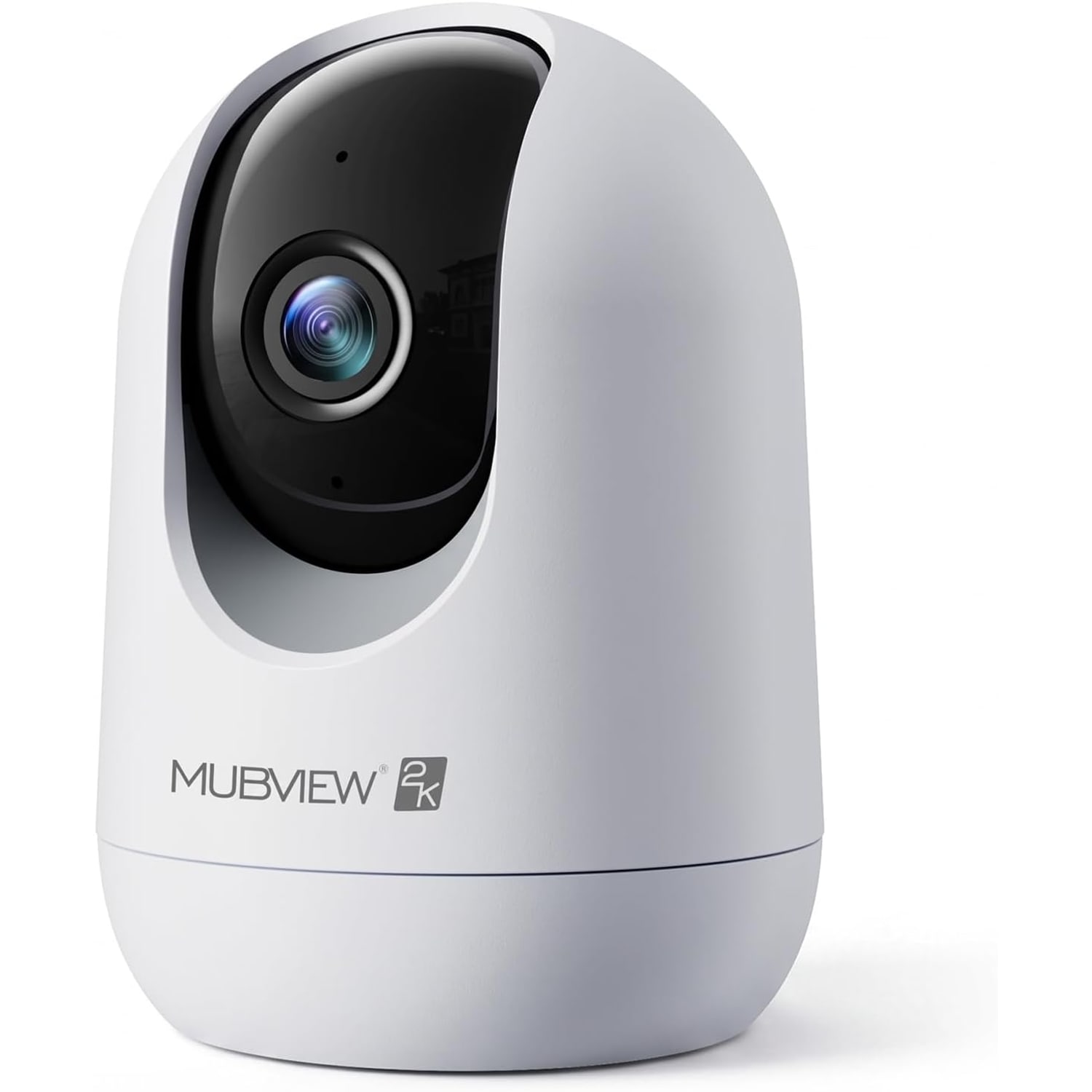
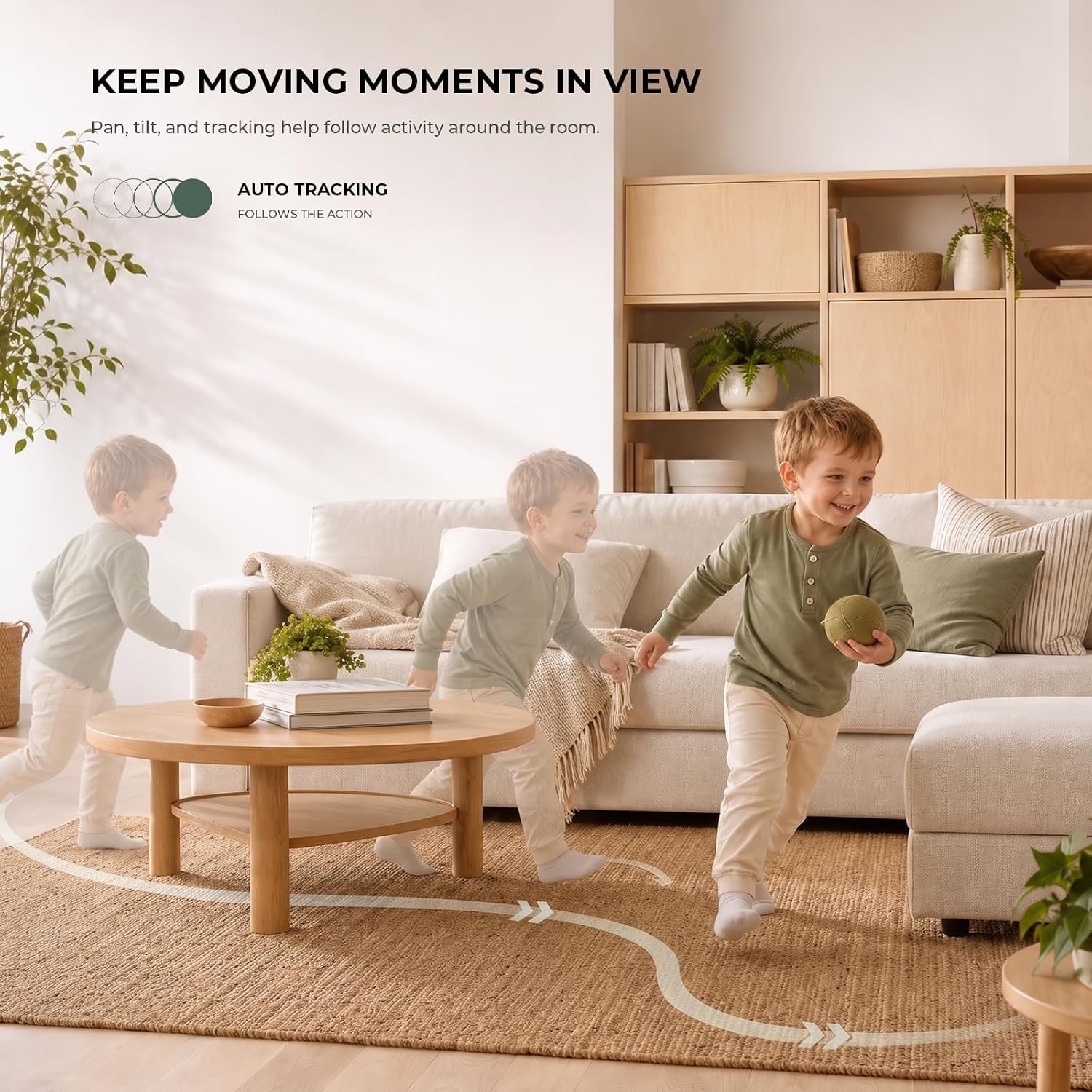
This camera has a motorized head that pans 355 degrees and tilts 60 degrees, which the maker describes as 360 degree coverage. You swipe in the app and the head follows. That means one unit in the corner of an open-plan space can look at the sofa, then swing across to the hallway, then drop down to the floor where the dog sleeps.
It also means you are not locked into a decision on day one. With a fixed camera, aiming it wrong is a permanent mistake until you climb up and re-aim it. Here you adjust from the couch.
The trade-off is that a motor is a moving part. If all you need is one fixed view of one doorway, a fixed camera is the simpler tool.
Resolution, and why 2K matters more at night
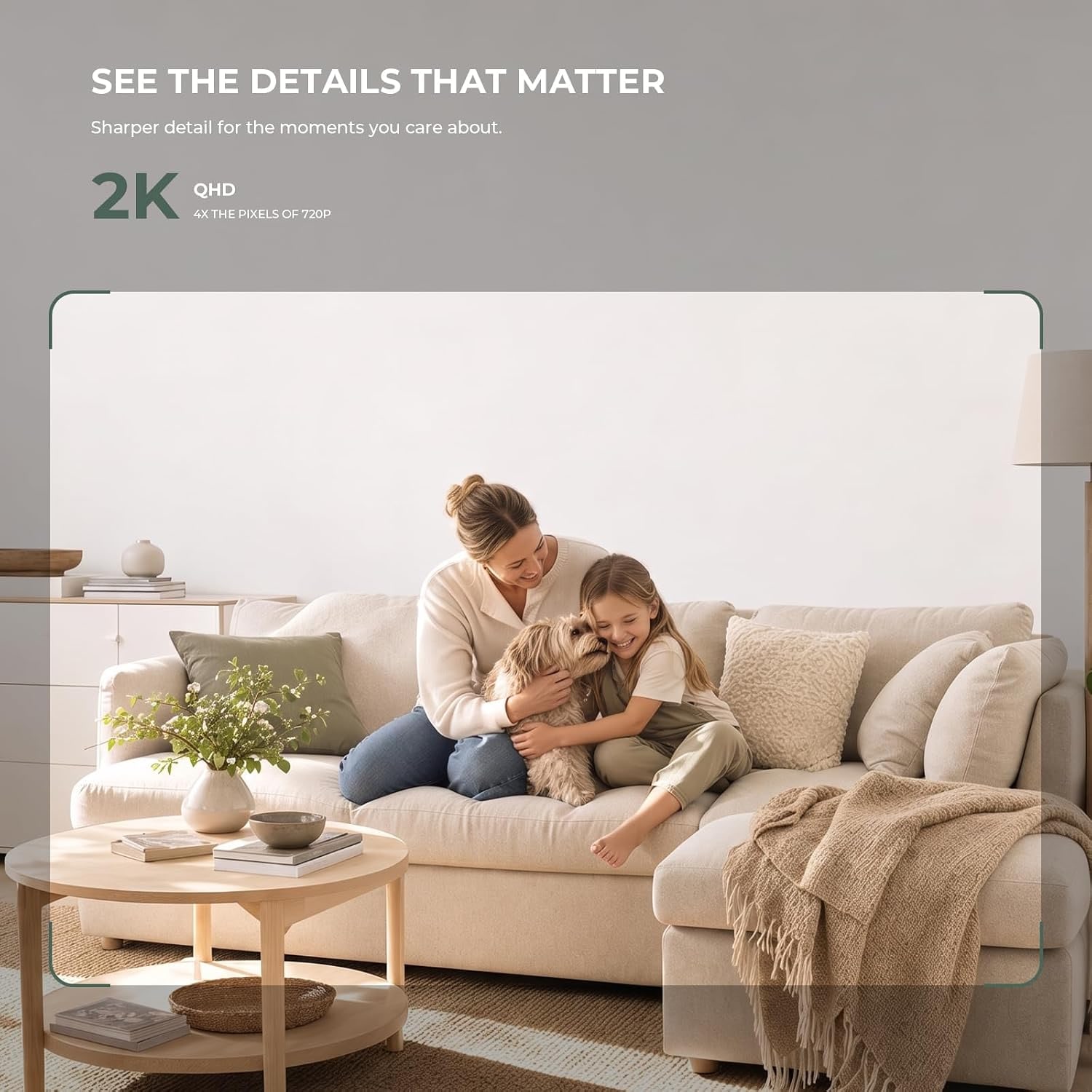
The sensor here is 3MP, which is what the 2K label refers to. Compared with 1080p, you get more pixels across the same scene, which shows up most on detail at a distance: a face across a room, the print on a package, the pattern on a collar.
Recording runs at 15 to 20 frames per second in H.264, saved as MP4. That frame rate is fine for home monitoring. It is not sports broadcasting, but it captures movement smoothly enough to follow what happened.
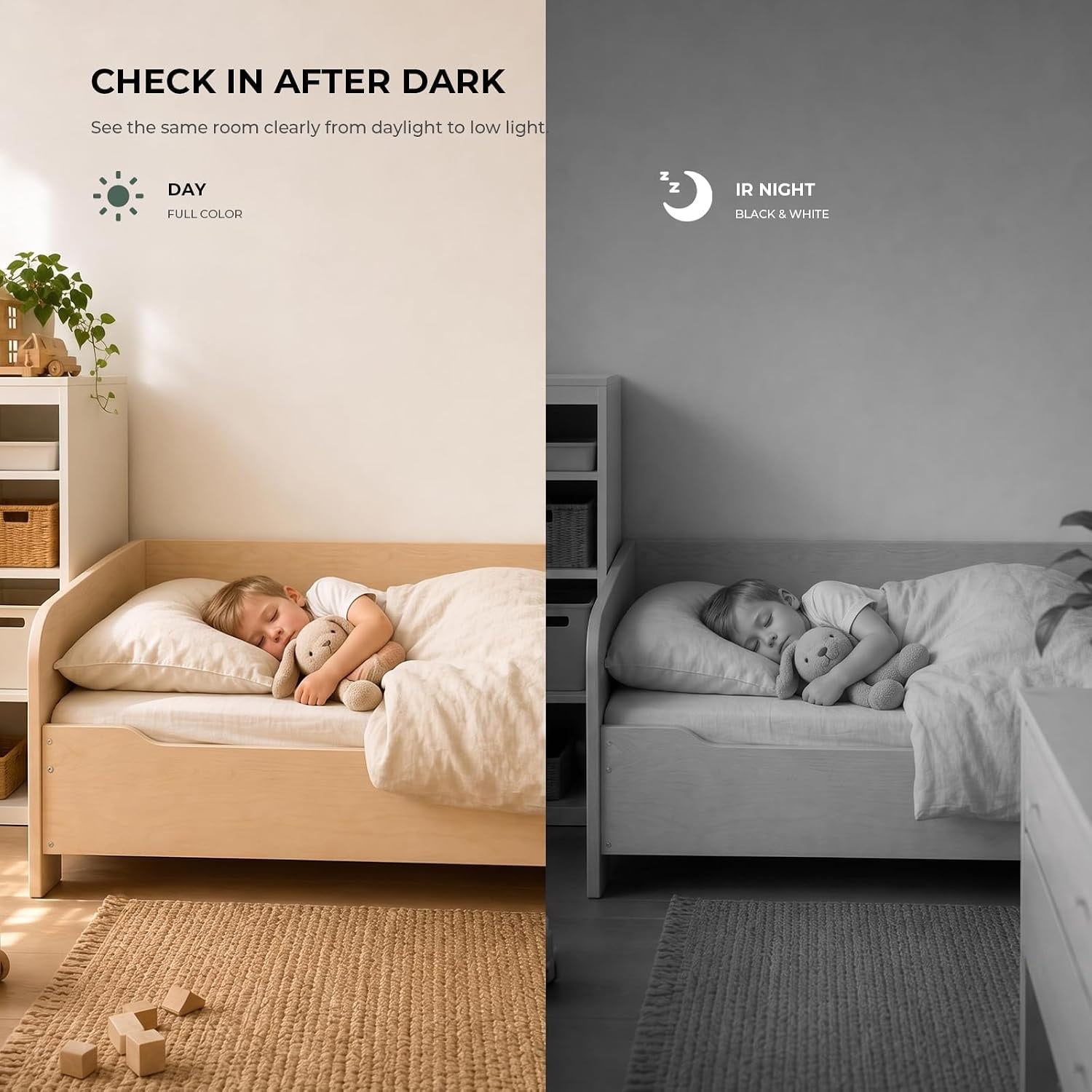
Where the extra resolution earns its keep is at night. Infrared night vision throws away color information, so all you have left is shape and contrast. More pixels means more shape. Four IR LEDs here cover 8 meters and give a black-and-white picture in complete darkness. The specifications also give the night vision type as Night Color, though the maker does not explain it further.
One practical tip: never point a camera with IR LEDs straight at a window or a mirror. The light bounces back and the whole frame whites out. Angle it across the room instead.
Alerts you can live with
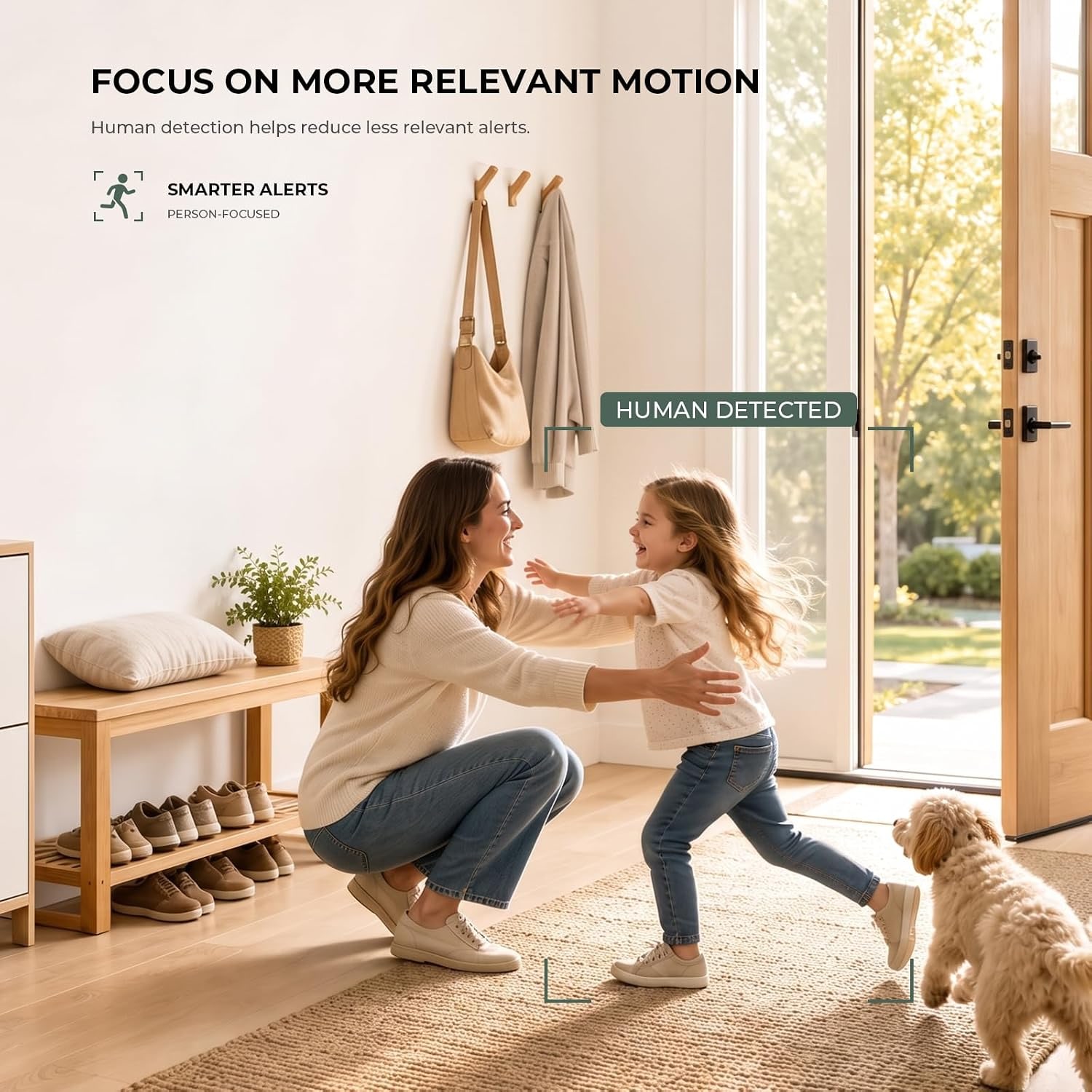
Motion detection is the feature people turn off first, because badly tuned alerts are infuriating. This camera has adjustable sensitivity, and the maker also lists human and pet detection among its features, which helps the app decide what is worth telling you about.
Getting alerts right is mostly about placement. Common triggers for false alarms are:
- ceiling fans and air conditioning vents moving curtains
- direct sunlight sweeping across a wall as the day goes on
- a television left on
- a road visible through a window
Move the camera so none of those sit in the main part of the frame, then start with a middle sensitivity setting and live with it for a few days. Turn it up if you miss things, down if your phone will not stop buzzing.
Storage, and the monthly fee question
This is where cameras quietly cost you money. Many cheap cameras are sold at a low price and then lean on a subscription for anything beyond a few seconds of clip.
Here you have a choice. The camera takes a microSD card up to 128 GB and records locally with no monthly fee. That is the route most people take. Cloud storage is offered as an option if you want footage held somewhere other than the camera itself, which protects you if the device is stolen or damaged.
The card is not included. Buy a card rated for continuous video writing, because standard cards wear out fast when something is writing to them all day. A 128 GB card, the largest the camera supports, gives you the longest window of continuous footage.
Who this suits
Pet owners are the biggest group. The combination of pan, tilt, two-way audio and a 2K picture is close to the ideal setup for checking on a dog while you are at work, and the best pet camera with phone app for most households is a pan-tilt model rather than a fixed one for exactly that reason.
It also works well for:
- a home office with gear worth watching
- a hallway or side door that nobody uses
- a shared house where you want to know who came and went
- a living room you check on while traveling
It does not suit outdoor use. It is listed as indoor only and not water resistant, so a covered porch, a garage that floods, or a window ledge that collects condensation are all bad ideas. Buy a weather-rated camera for those spots.
Placement and setup
The camera is 3 by 5 by 3 inches and weighs under 11 ounces, so it sits happily on a shelf. It also mounts to a wall or ceiling with the included bracket and screw kit.
Power is the real constraint. It runs on 5V at 5W through a 2 meter cable, so you need an outlet within reach. Plan this before you drill. Running a cable neatly along a baseboard is easier than discovering the nearest outlet is on the other side of the room.
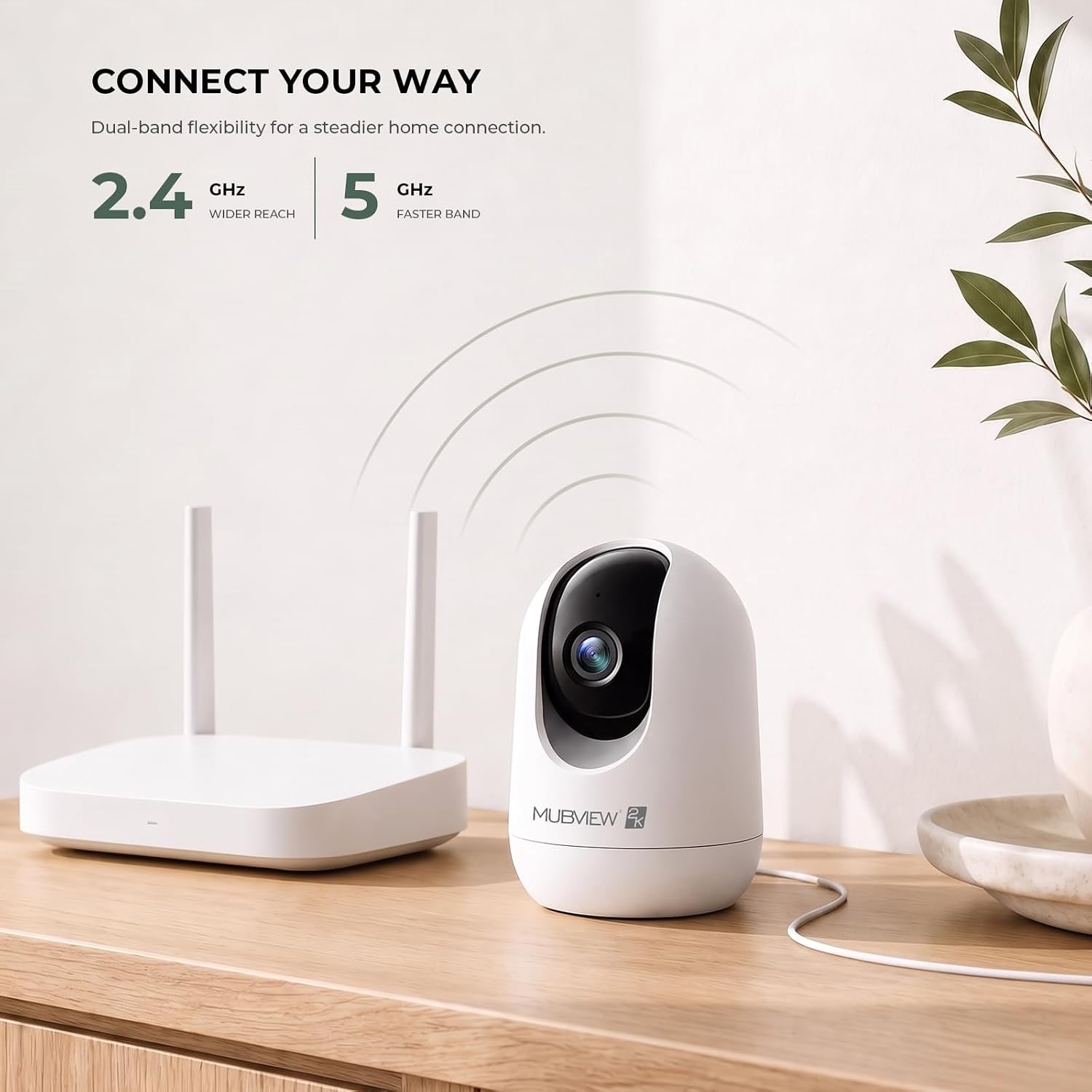
For WiFi, the dual-band support helps. A 2.4GHz network travels further through walls, while 5GHz carries more data over shorter distances. If the camera sits two rooms away from the router, 2.4GHz is usually the steadier choice. If it is in the same room, 5GHz will give you a cleaner stream.
Privacy, in practice
Privacy mode lets you switch the lens off from the app when you are home. It is worth setting up, because a camera you feel watched by is a camera you will eventually unplug.
On the legal side, recording other people and recording audio is covered by federal and state law, and the rules are not the same everywhere. If the camera will see a lodger, a cleaner, a babysitter or a shared hallway, read up on what applies where you live. That is not advice we can give you, but it is worth ten minutes of your time.
Care
There is not much to it. Unplug the camera before cleaning. Wipe the body with a dry cloth and the lens cover with a lens cloth, not a paper towel, which scratches plastic. Skip sprays and cleaners, since they can fog the dome.
Keep it away from steam and damp. If the picture starts looking soft, it is almost always a dusty lens cover rather than a failing sensor.
The short version
You are getting a 2K pan-tilt indoor camera that covers a whole room from one spot, sees 8 meters in the dark, talks back, and records to a microSD card without charging you every month. It is corded, indoor only, and controlled entirely from your phone.
Put it high in a corner, away from windows, with an outlet within 2 meters. Add a 128 GB card. Start with a middle sensitivity setting and adjust after a few days. Do that and it will still be useful in a year, which is more than most indoor cameras manage.