
The complete guide
How to Choose a Kids Underwater Camera That Survives the Summer
The problem with giving a child a camera
Children are brilliant photographers and terrible equipment managers. They see things adults have stopped noticing, and they will put a camera down on a wet rock to go look at a crab. Both of those things are true at the same time, and the second one is why most first cameras end up in a drawer by August.
The usual chain of events goes like this. A child gets a camera. It is fine for a few weeks. Then there is a pool, or rain, or a drop onto concrete, and it stops working. Nobody repairs a cheap camera, so it quietly disappears and the child learns that photography is something that breaks.
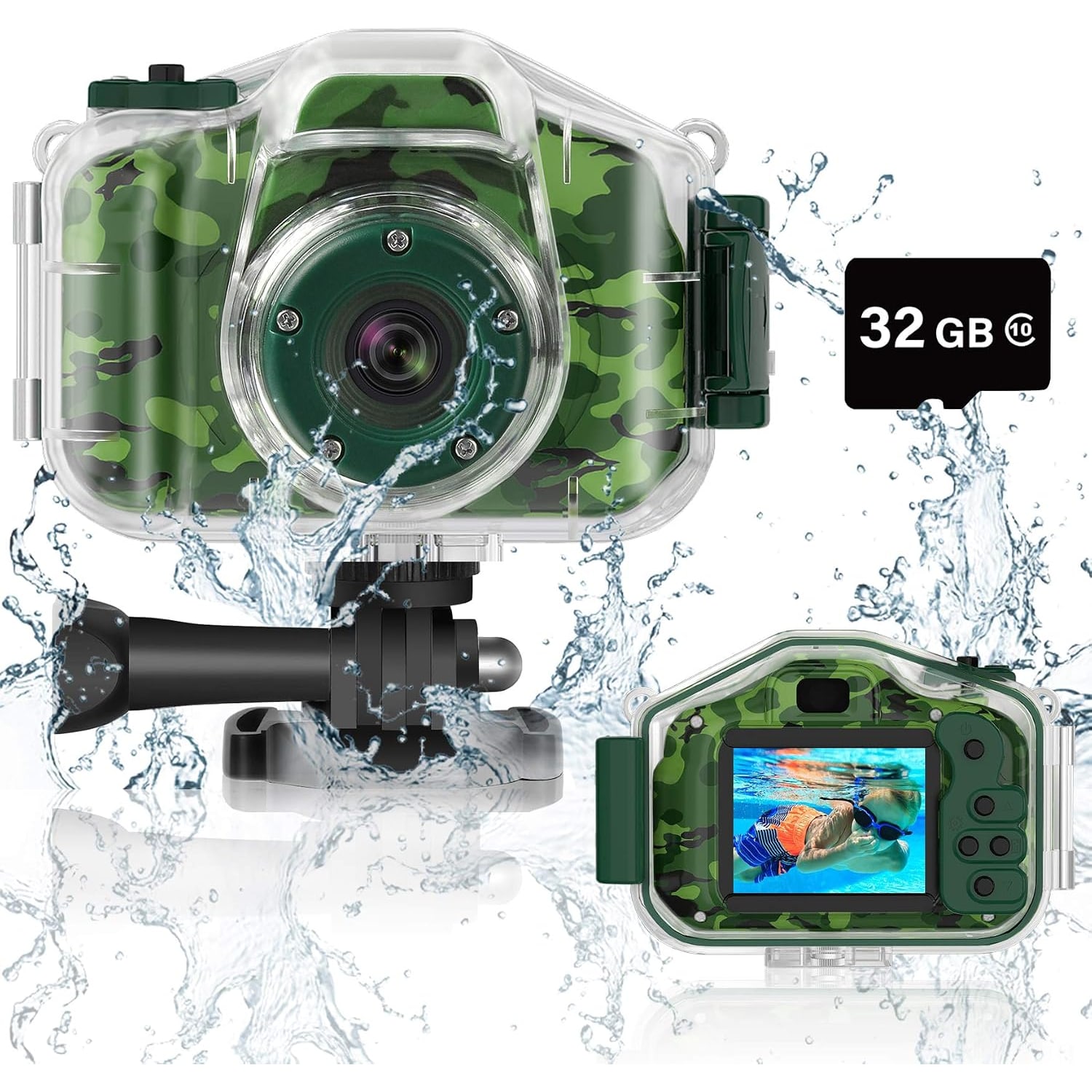
A kids underwater camera flips that around. The camera lives inside a waterproof case for anything wet, and the case takes the knocks. The child stops being careful, which sounds bad but is actually the point. Careful children do not take interesting photos.
What "underwater" actually means here
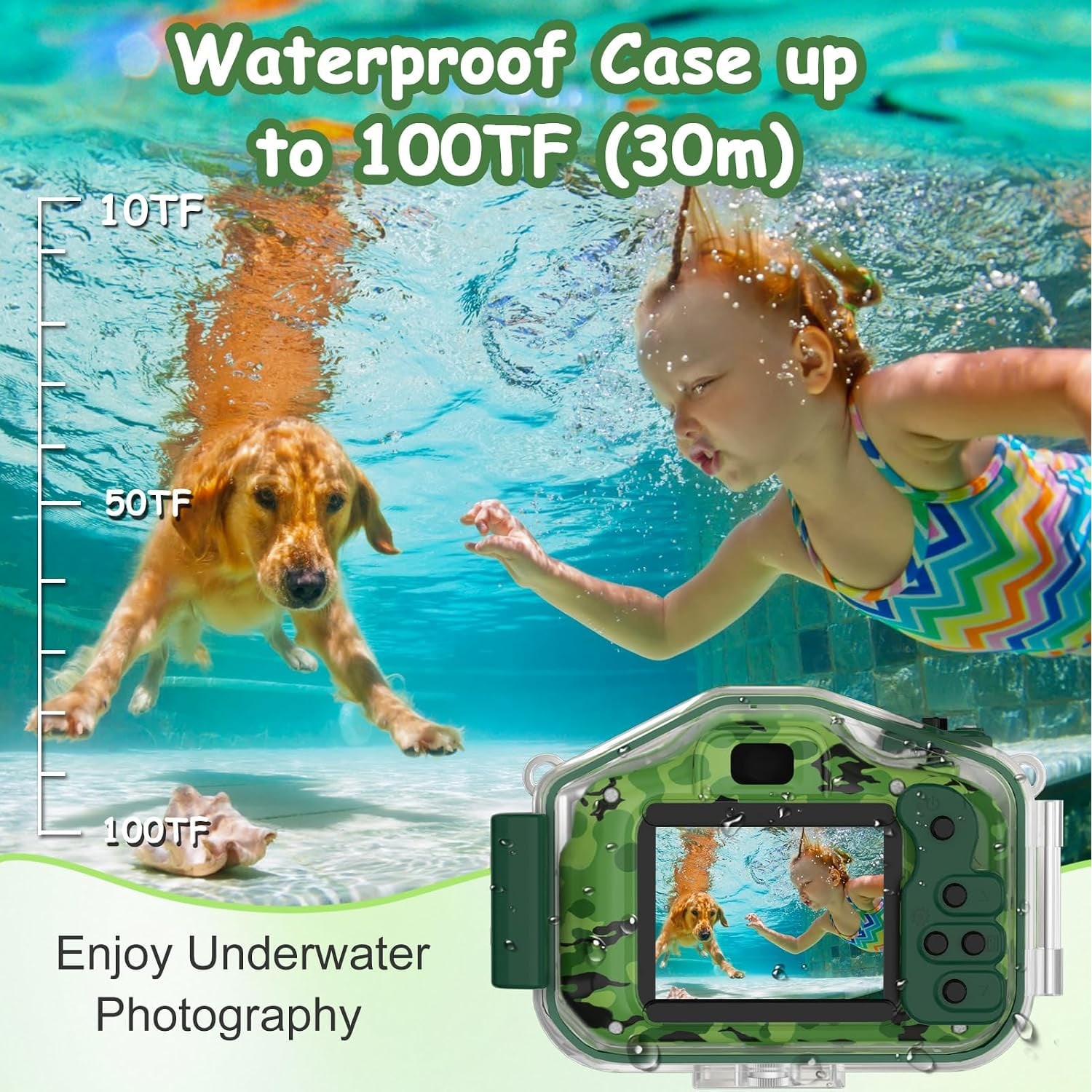
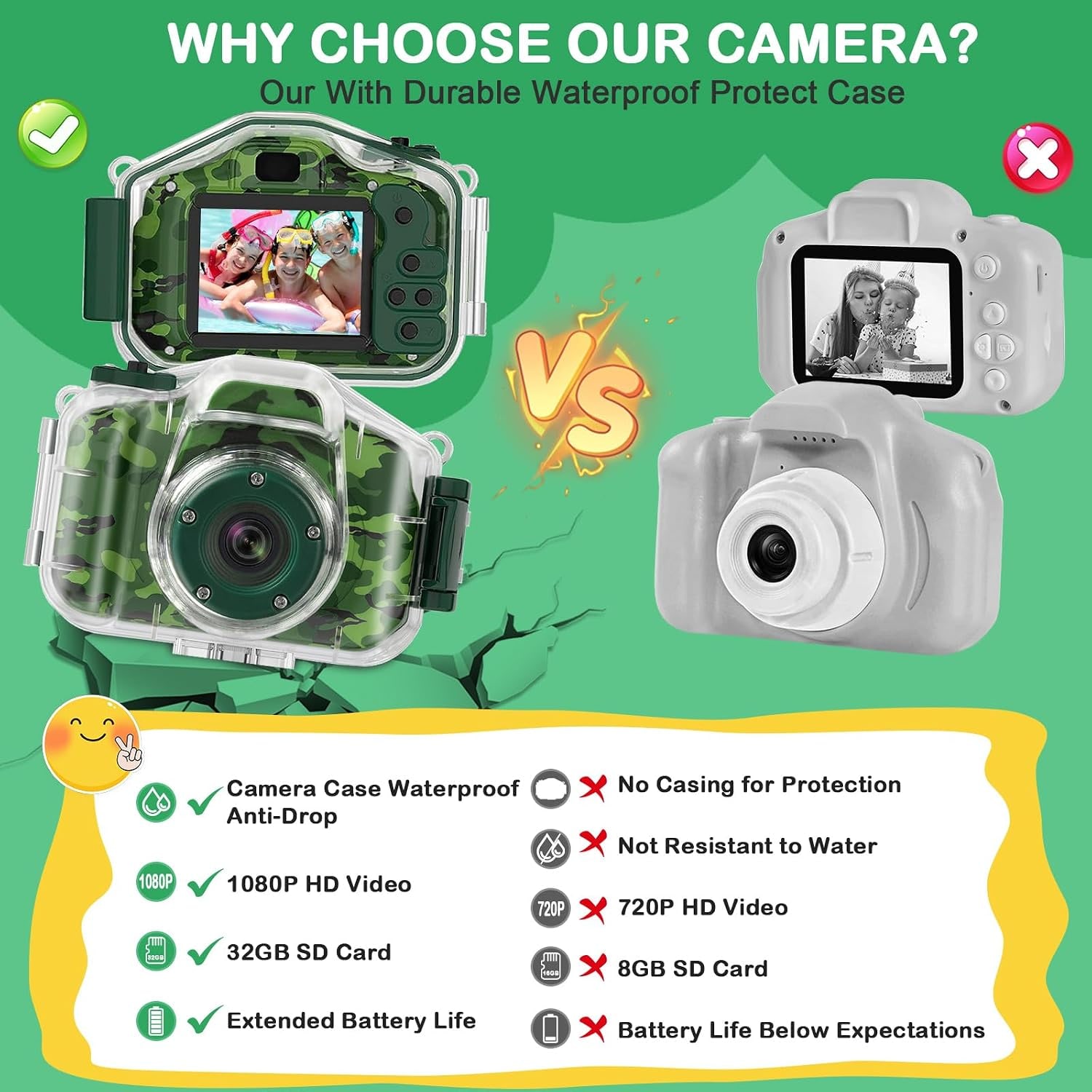
This is worth being clear about, because it is where most confusion happens. The camera itself is a normal compact digital camera. The waterproofing comes from the protective case it sits inside. Close the case properly and the camera can go in a pool, a lake or the sea, down to 98 ft by the maker's figure. Open the case while anything is wet and you have a problem.
So the rule is simple and it needs saying out loud to a child before the first swim. The case stays shut in the water. It only opens when everything is dry. Say it twice. Most water damage to cased cameras happens on dry land, when someone pops the case open with wet hands to look at a photo.
The second rule is about the seal. Sand, a strand of hair or a bit of grass caught in the seal will let water through, and there is no warning. Before each swim, run a finger around the seal and look at it. That ten-second habit is the whole difference between a camera that lasts years and one that lasts a weekend.
The specs that actually matter
Camera spec sheets are long and most of it does not affect what a child's photos look like. Here is what is worth knowing.
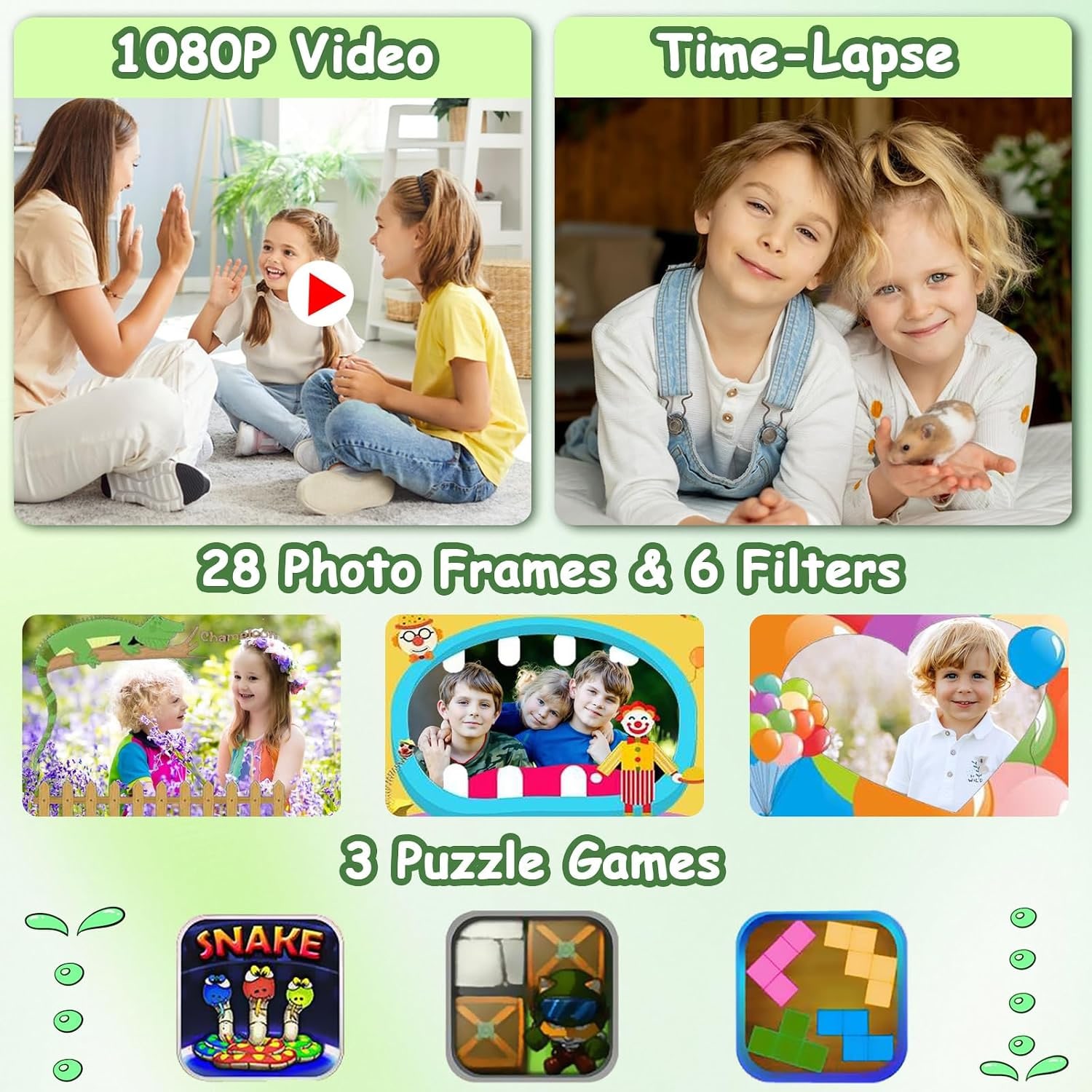
Video is 1080p, saved as MP4. That is full HD, and it is the sweet spot for this kind of camera. It looks good on a phone or a laptop, the files are a sensible size, and it plays everywhere without converting anything.
Photos are 5MP JPEGs at 16:9. Five megapixels sounds small next to a modern phone, but for sharing, viewing and small prints it is completely adequate. The thing that limits a child's photos is never resolution, it is light and holding still.
Which brings us to the sensor-shift image stabilization. This is quietly one of the most useful features on the list. Kids move constantly. Stabilization smooths out the small shakes and turns a lot of near-misses into usable shots.
The underwater white balance setting is the other one people underestimate. Water eats red and orange light, so uncorrected underwater footage goes flat and blue. Switching to the underwater setting puts the warmth back and makes the footage look like the day you remember.
Zoom is 2x and digital, which means it crops rather than magnifying optically. Teach a child to walk closer instead. It is better photography advice anyway.
Storage, battery and the day-to-day
The 32GB card is already in the camera. It is a Class 10 SDHC card with UHS Speed Class 3 and Video Speed Class V10 ratings, which in plain terms means it is fast enough to keep up with 1080p video without dropping frames. This matters more than people think, since a slow card is a common cause of stuttery footage in budget cameras.
Thirty-two gigabytes is a lot of room at this resolution. Even so, get into the habit of pulling files off at the end of a trip, partly for space and partly because that is how the photos actually get seen.
The maker states 2 to 3 hours of use from the 600mAh battery. Realistically that covers an afternoon at the beach or a long session in the pool. Charge it the night before anything important. If you own a USB power bank, throw it in the bag, since the camera connects over USB.
Transferring is straightforward. Plug into a phone, tablet, laptop or computer over USB, or take the card out and use a card reader. Files are standard JPEG and MP4, so there is no software to install and no account to make.
Who it suits
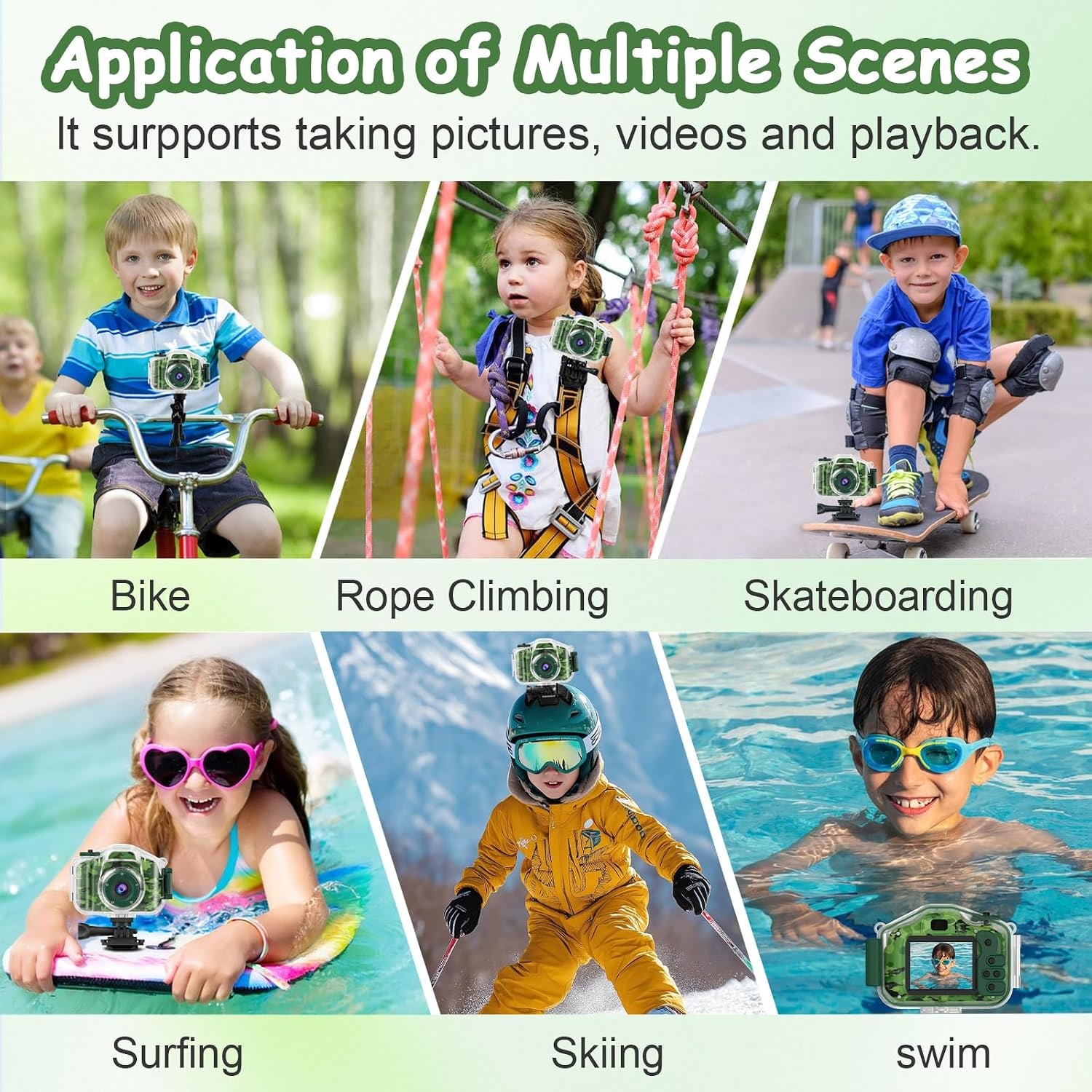
This camera is a good match for a child who is already interested in water. Swimmers, snorkelers, the kid who spends the whole vacation in the pool. They will come back with footage nobody else in the family got, and that feels genuinely special to a nine year old.
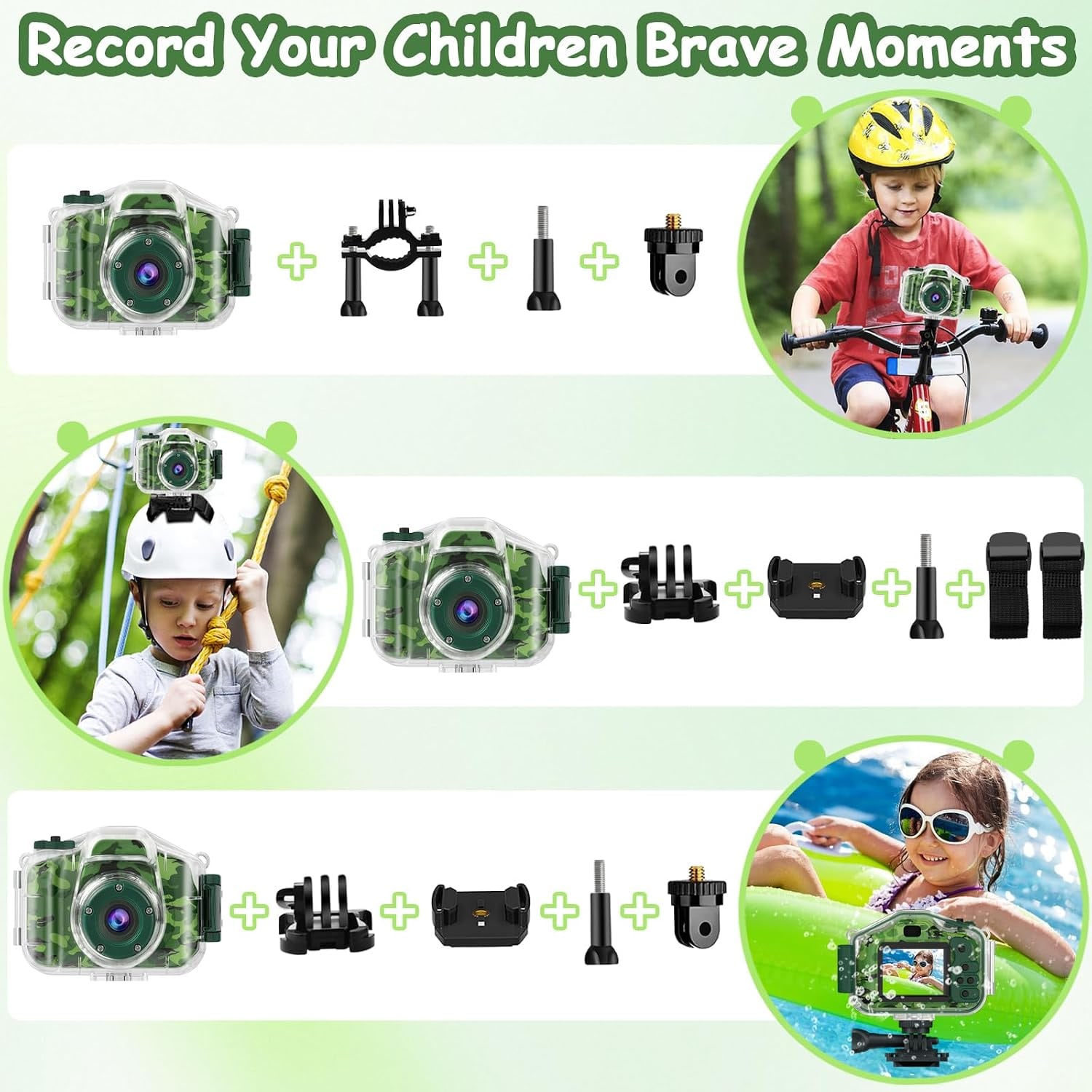
It also suits active kids more broadly. The included mounting kits attach it to a bike, a helmet or a skateboard, so you can get hands-free riding footage. The maker gives 0.304 lb for the camera with its case, while the spec table gives an item weight of 0.31 kg.
It is a good travel camera for kids too, which is partly the camera and partly the three built-in puzzle games. Airports and long car journeys are easier when there is something in a pocket to do.
Who is it less right for? A teenager who already has a good phone and wants a serious camera will find the 5MP stills limiting. And if the camera is only ever going to be used indoors on a shelf, you are paying for waterproofing you will not use.
Getting a child to actually use it
The features that look like gimmicks are the ones that create the habit. Twenty-eight frames and six filters are not there to impress adults. They are there because a child who can make a photo look silly will take fifty photos instead of three. Volume is how anyone gets better at photography.
Time-lapse is the one to show them on day two, once the basics are in hand. Point it at a sunset, a sandcastle being built, or ice melting in a glass. The playback is short and dramatic, and most kids immediately start thinking of their own subjects.
One tip from experience. Resist the urge to review and critique their photos. Let them keep the bad ones. The editing instinct comes later, and criticism early on is the fastest way to end the hobby.
Looking after it
Care is mostly about the case. Rinse it closed in clean fresh water after pool chlorine or salt water, both of which degrade seals over time. Dry it completely before opening. Wipe the lens port with a soft dry cloth, never a paper towel, which leaves fine scratches.
For the camera itself, keep it out of direct heat and store it somewhere dry. If it is going away for the winter, take it out of the case so the seal is not left compressed for months.
Check the seal before every single swim. It takes seconds and it is the only maintenance that really counts.
The short version
This is a complete, ready-to-use kids underwater camera. The 32GB card is already installed, the waterproof case is in the box, and it shoots 1080p MP4 video and 5MP JPEG photos. Sensor-shift stabilization and an underwater white balance setting handle the two things that usually ruin children's footage, shake and color.
Two to three hours of battery, a case stated to work down to 98 ft, a 2-inch screen, and enough frames, filters, time-lapse and games to keep a child coming back to it. Teach them the case rule, check the seal, and let them loose.