
The complete guide
How to Choose a Front and Rear Dash Cam That You Will Actually Use
The problem a dash cam solves
Most drivers buy a dash cam after something happens, not before. Someone backs into the car in a parking lot and leaves. A driver cuts across three lanes, brakes hard, and then tells a very different story afterward. A branch comes down on the hood in a storm. In every one of those cases the frustrating part is not the damage, it is the lack of any record. Two accounts of the same event, no footage, and the whole thing turns into a slow argument.
A camera running quietly on the windshield takes that argument off the table. It records what happened, with a timestamp, from a fixed point of view. You rarely need it. On the day you do, it is the only thing that matters.
Why front and rear instead of just front
A single front camera covers the direction you are looking, which sounds like enough until you think about where collisions actually happen. Rear end impacts at lights and in slow traffic are common, and a forward-facing camera sees none of it. Neither does it see a vehicle that tailgates you for a mile or one that swings out of a side street behind you.
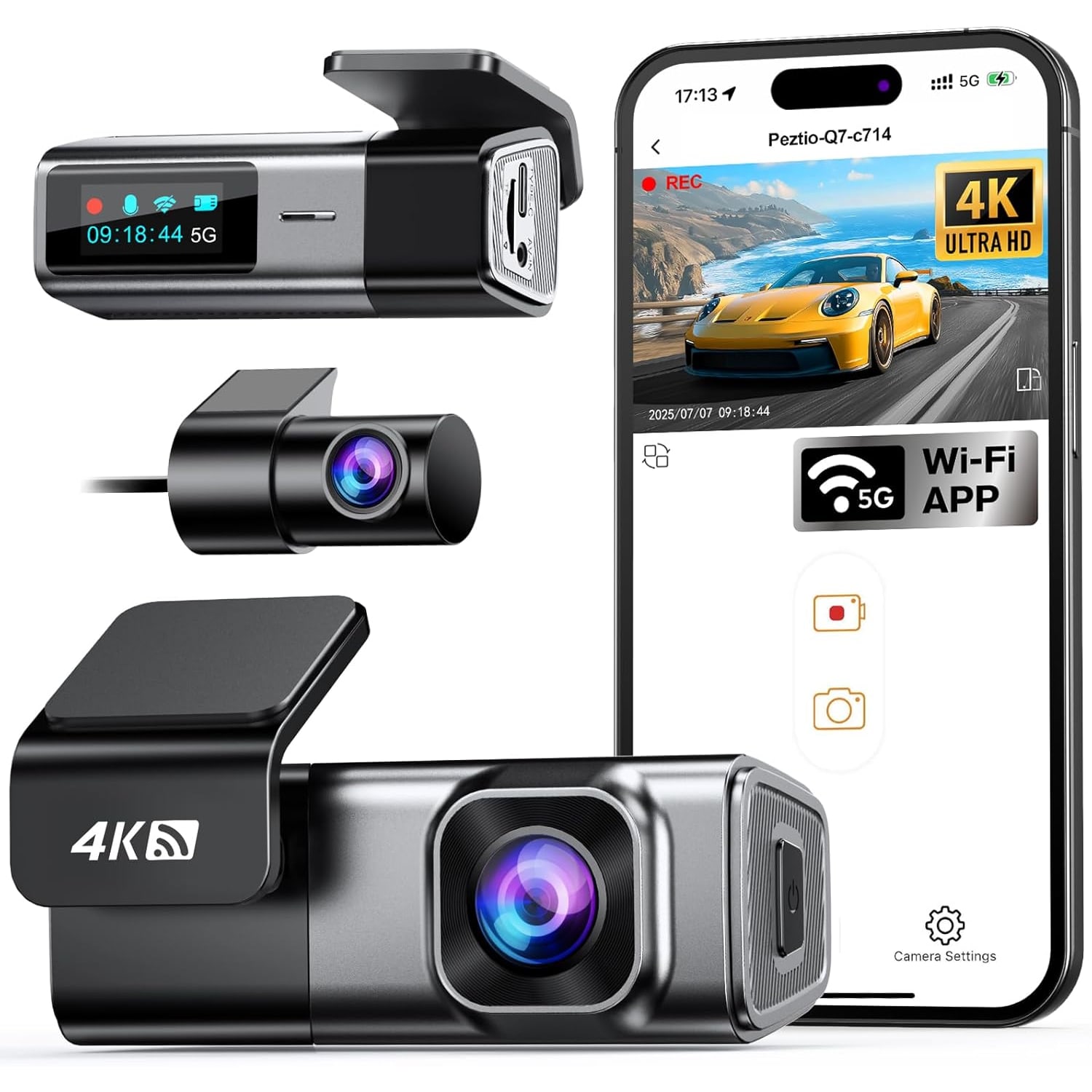
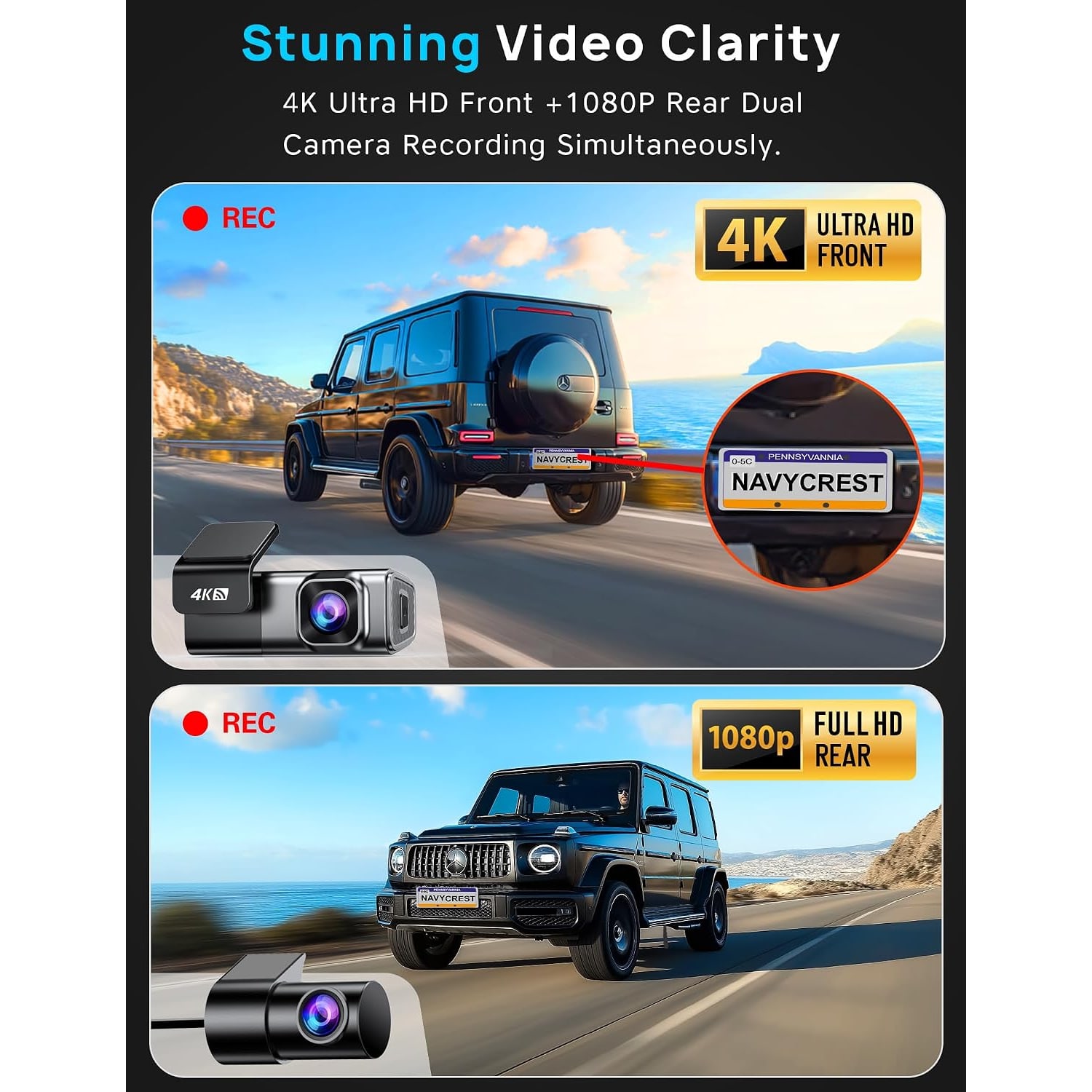
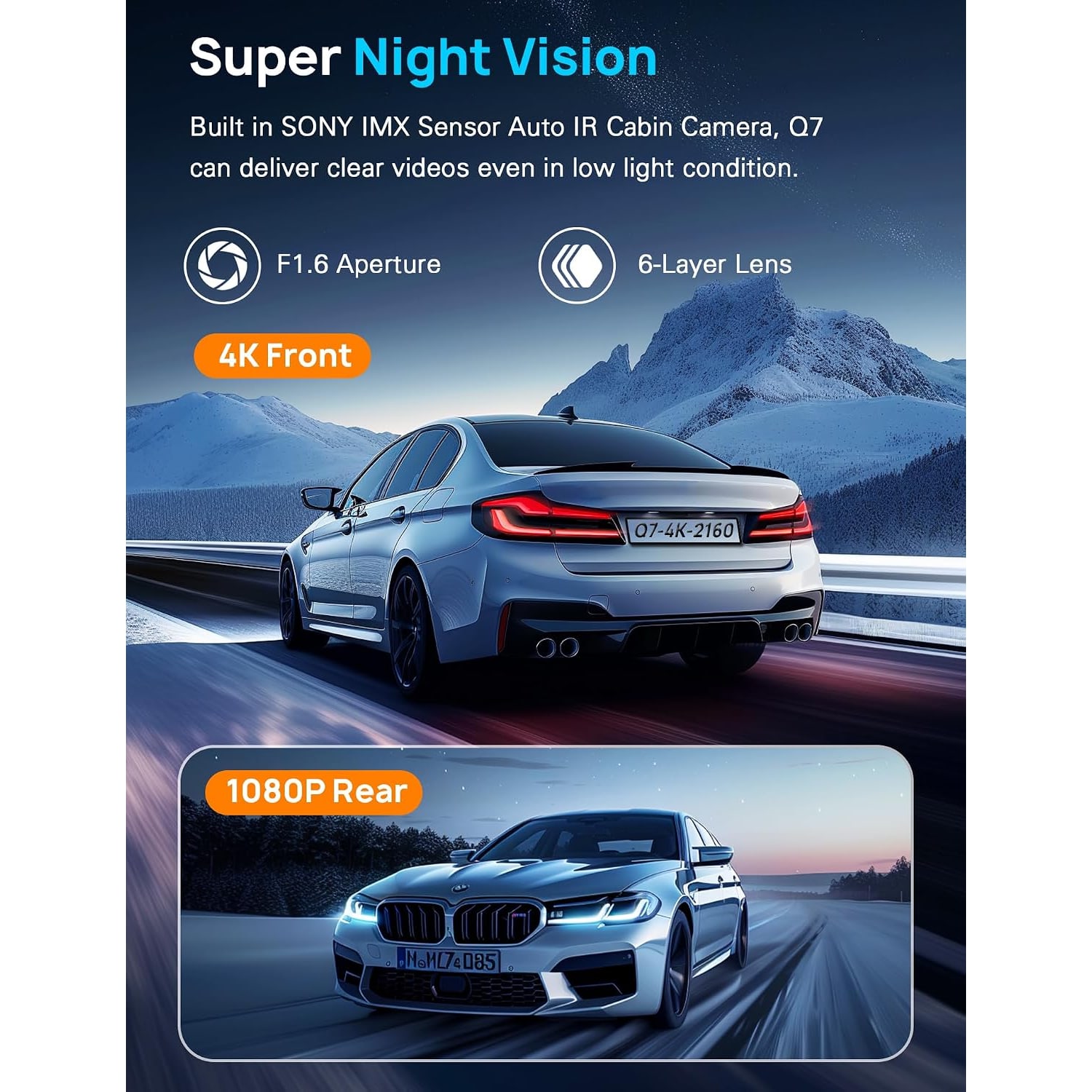
A dual car camera closes that gap. This camera runs two channels at once, 4K 2160P at the front and 1080P at the rear, with a stated frame rate of 30 FPS. Having both views makes it much easier to piece together what happened when you look at the footage later.
The resolution split makes sense when you think about what each camera is for. The front view is the one where you need to read a plate on a vehicle that is moving away from you, so the extra pixels earn their place. The rear view is usually recording something a few feet behind your bumper, where 1080P has plenty of detail to work with.
How the picture quality holds up
Resolution is only part of the story. A 4K sensor behind a poor lens still gives you a soft image. What matters as much is how much light the lens lets through, and this one has a maximum aperture of f1.6. That is a bright lens for a dash cam. It means more light reaches the CMOS sensor in the moments that are hardest to record, early morning, dusk, and the stretch of night driving where streetlights are intermittent.
The field of view is listed at 155 degrees, with a real angle of view of 160 degrees. That is a sensible range. Go much wider and you start bending the edges of the frame and shrinking everything in the middle, which works against you when you are trying to read a plate. Go much narrower and you lose the side lanes where a lot of incidents begin.
Frame rate is 30 FPS. For road footage that is the right number. Higher frame rates sound impressive but double your file sizes for motion that most people never slow down enough to notice.
The WiFi part, and why it changes things
Plenty of people own a dash cam and have never watched a single second of what it recorded. The reason is friction. Pulling a tiny card out of a mount wedged behind the mirror, finding a reader, plugging it into a laptop, hunting through folders full of cryptic file names. It is enough hassle that most of us put it off until we need it urgently, which is the worst possible time to learn how it works.
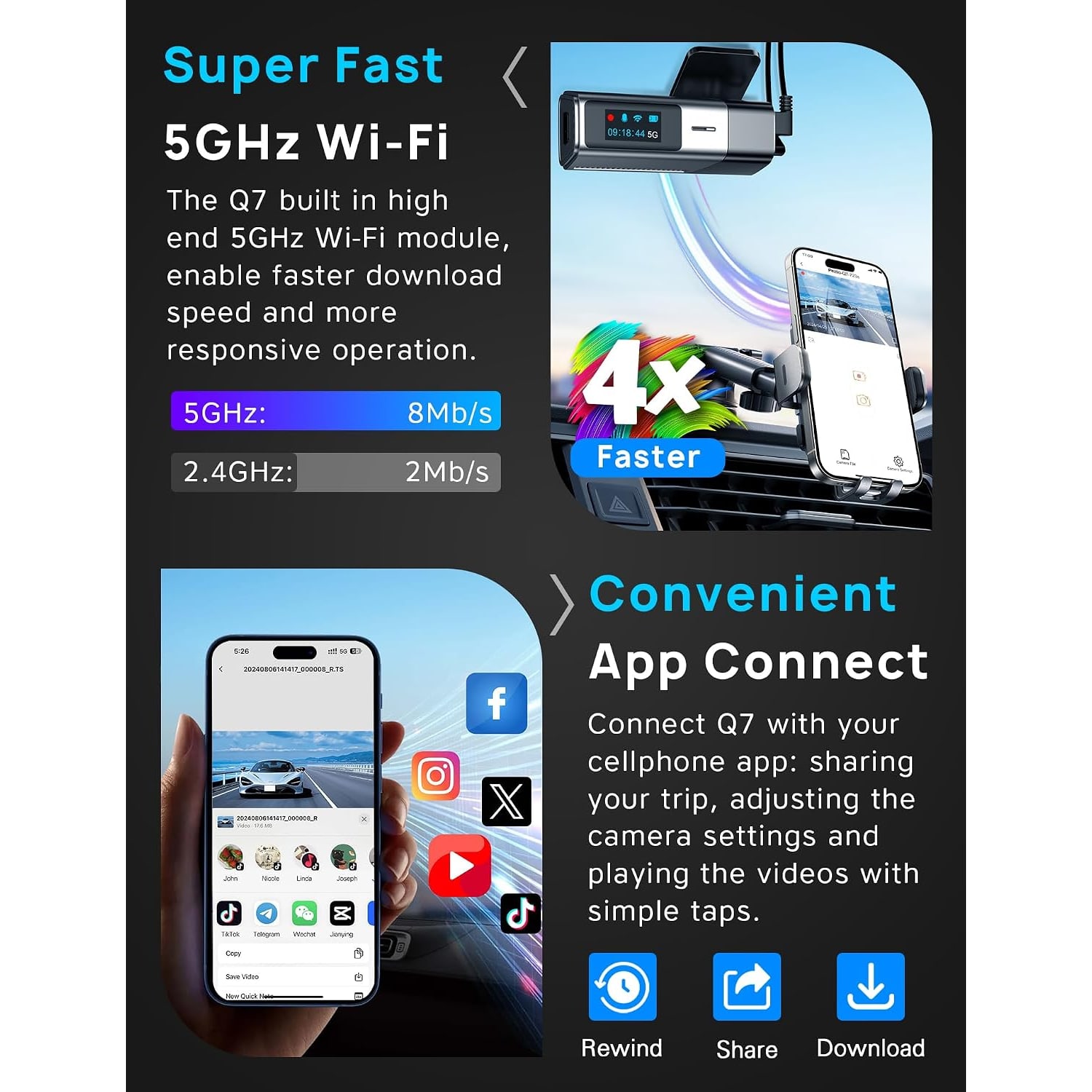
The 5GHz WiFi connection removes almost all of that. The camera makes its own network, your phone joins it, and the app shows you live video plus every file on the card. You tap a clip, watch it, and save the ones worth keeping to your phone. From there you can send it to an insurer or anyone else in the usual way.
The 5GHz band matters specifically because of the file sizes involved. A 4K clip is big. The maker states 4 times the download speed of a 2.4G link, up to 8 MB/s, which is quick enough that you will bother doing it.
You also adjust the camera's settings from the phone. The camera itself has a 1.5 inch display, which in the product photos shows the time and status icons for recording, sound, WiFi and the card. Use the app's live view to line up the lens during installation.
Who this suits
Commuters get the most out of a setup like this, simply because more road hours mean more chances of something happening. Rideshare and delivery drivers are in the same position, often more so, since they spend their day pulling in and out of unfamiliar streets.
It is also a sensible thing to put in a car driven by a new driver in the family. Not to monitor them, but because inexperienced drivers are more likely to end up in a disputed situation and least likely to be believed without evidence.
The maker names sedans, SUVs, trucks and minivans as compatible vehicle types, so vehicle shape is not much of a barrier. The one thing worth thinking about ahead of time is the rear camera run. In a long van or a truck that cable has a fair distance to travel, so plan the route before you start.
Choosing a memory card
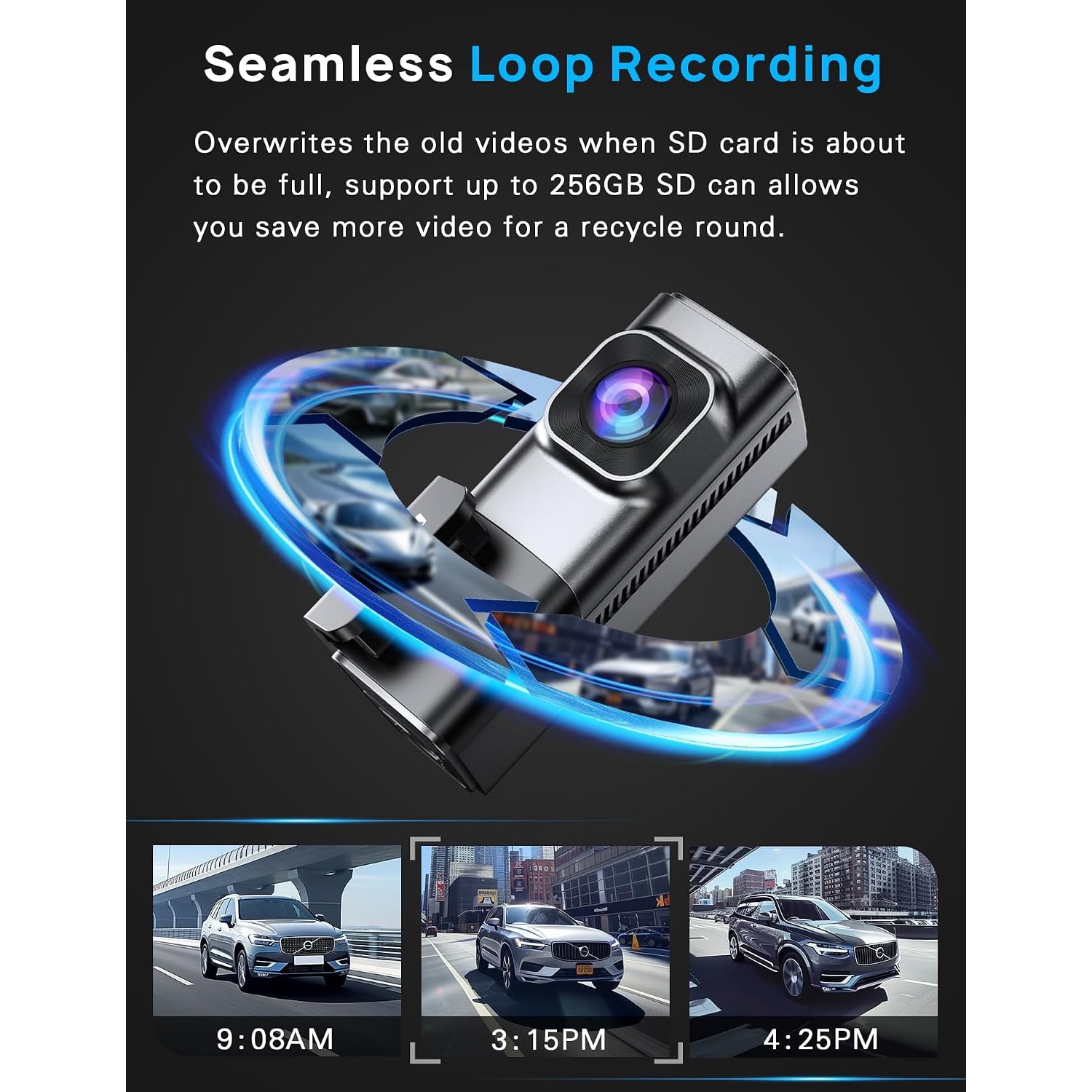
The camera takes microSDXC cards up to 256 GB. Buy a card rated Class 10 or U3. This is not a detail to skip. Recording 4K and 1080P together writes a constant stream of data, and a slow card cannot keep up, which shows up as dropped frames or recordings that stop without warning.
Size is a trade off. A larger card holds more history before loop recording starts overwriting, which is useful if you only check the camera occasionally. A smaller card costs less and still covers you for recent trips. For most drivers something in the 128 GB range is a comfortable middle ground for dual channel recording.
Buy a card from a source you trust. Fake high capacity cards are common and they fail in exactly the way you do not want, quietly, without any error until you go looking for footage that was never saved.
Looping, locking and parking
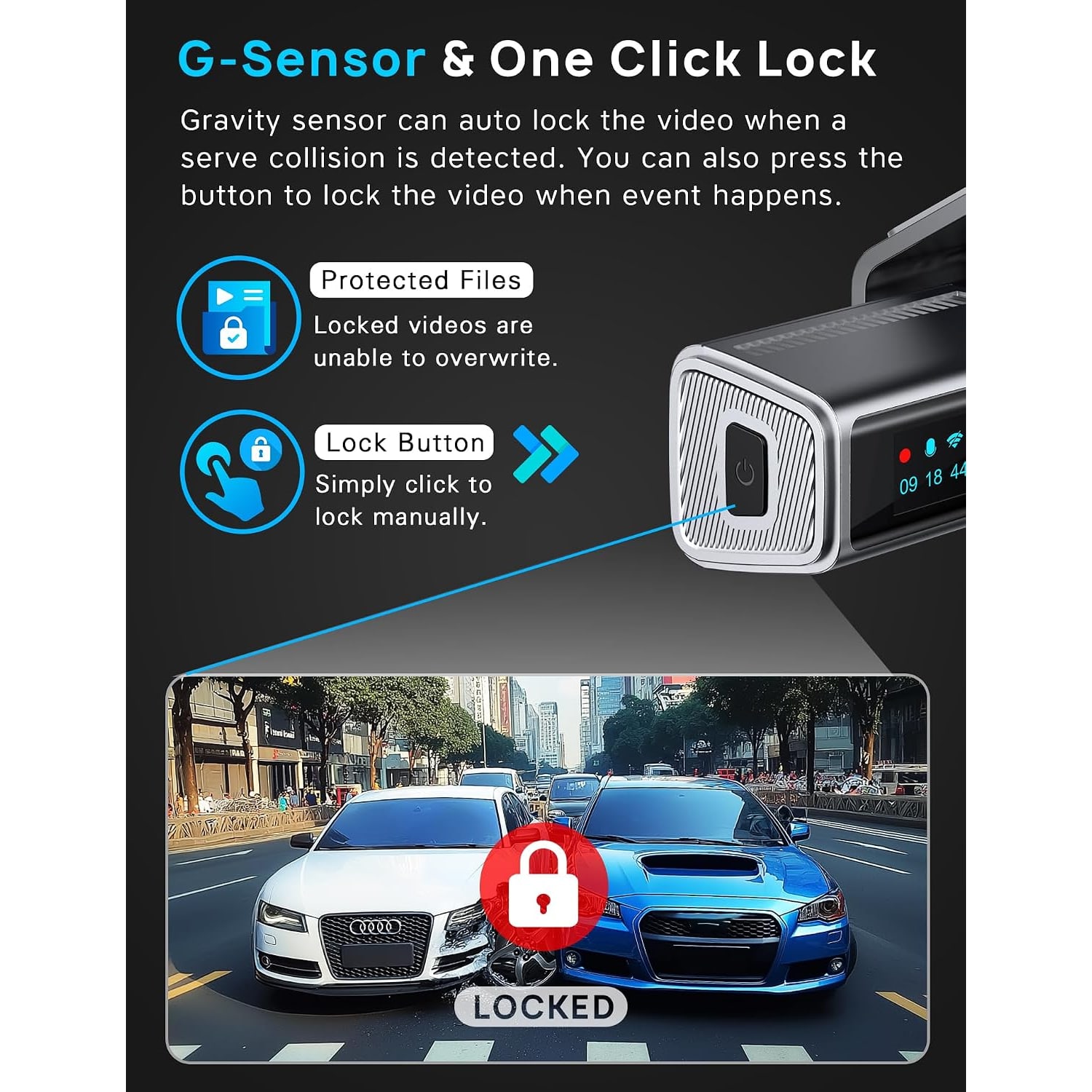
Loop recording is what makes the camera self managing. It records in segments, and when the card fills it writes over the oldest segment that is not protected. You never have to clear anything.
The protection comes from the gravity sensor. It is a three axis sensor watching for sudden movement, and when it is triggered it locks the current clip so the loop cannot touch it.
Parking mode is supported and keeps the camera watching after the engine is off. It needs a hardwire kit to reach a constant power source, and that kit is not part of this package. Worth knowing before you order if parking coverage is your main reason for buying.
Installing it and living with it
The box includes a car charger and a wiring tool. The tool is for tucking the cable behind the edge of your headliner and pillar trim, out of sight. It takes a cable that would otherwise swing across your dashboard and makes the install look like it came with the car.
Mount the front unit high on the windshield, behind or beside the mirror. Clean the glass properly first with something that leaves no residue, then press the mount firmly and give the adhesive a few hours before hanging the camera on it. The rear camera goes high and central on the rear glass.
Ongoing care is light. Wipe the lens occasionally with a microfiber cloth. Format the card in the camera every few weeks so the file system stays clean, which is the best single habit for keeping a car camera reliable. If you record audio, remember that recording audio and recording other people is covered by federal and state law, and the rules vary by state.
The short version
If you want a dash cam that covers both directions, records the front channel sharply enough to be useful as evidence, and does not make you fight with a memory card every time you want to see something, this configuration is a strong fit. 4K front, 1080P rear, a bright f1.6 lens for low light, and a 5GHz WiFi link to your phone.
Add a Class 10 or U3 microSD card up to 256 GB, spend half an hour on a tidy install, and then mostly forget it is there. That last part is the point.