
The complete guide
How to Choose a 4G Solar Security Camera for Places With No Power or WiFi
The problem with normal security cameras
Most outdoor cameras are built around a comfortable assumption. There is an outlet on the wall and the WiFi reaches. That is fine for a front porch. It falls apart the moment you want to watch something that is not attached to your house.
Think about the places people actually worry about. A gate at the end of a long driveway. A shed with tools in it. A horse trailer parked behind the barn. A half-built addition with a pallet of materials sitting out. A boat on a trailer. A vacation cabin you visit four times a year. None of these have a convenient outlet, and almost none of them sit inside a router's range.
The usual workarounds are all expensive or annoying. Trenching power out to a gate costs real money. WiFi extenders chained across a yard drop out constantly. A camera that records to a card with no connection is useless until you walk out and pull the card. So most people do nothing, and the shed stays unwatched.
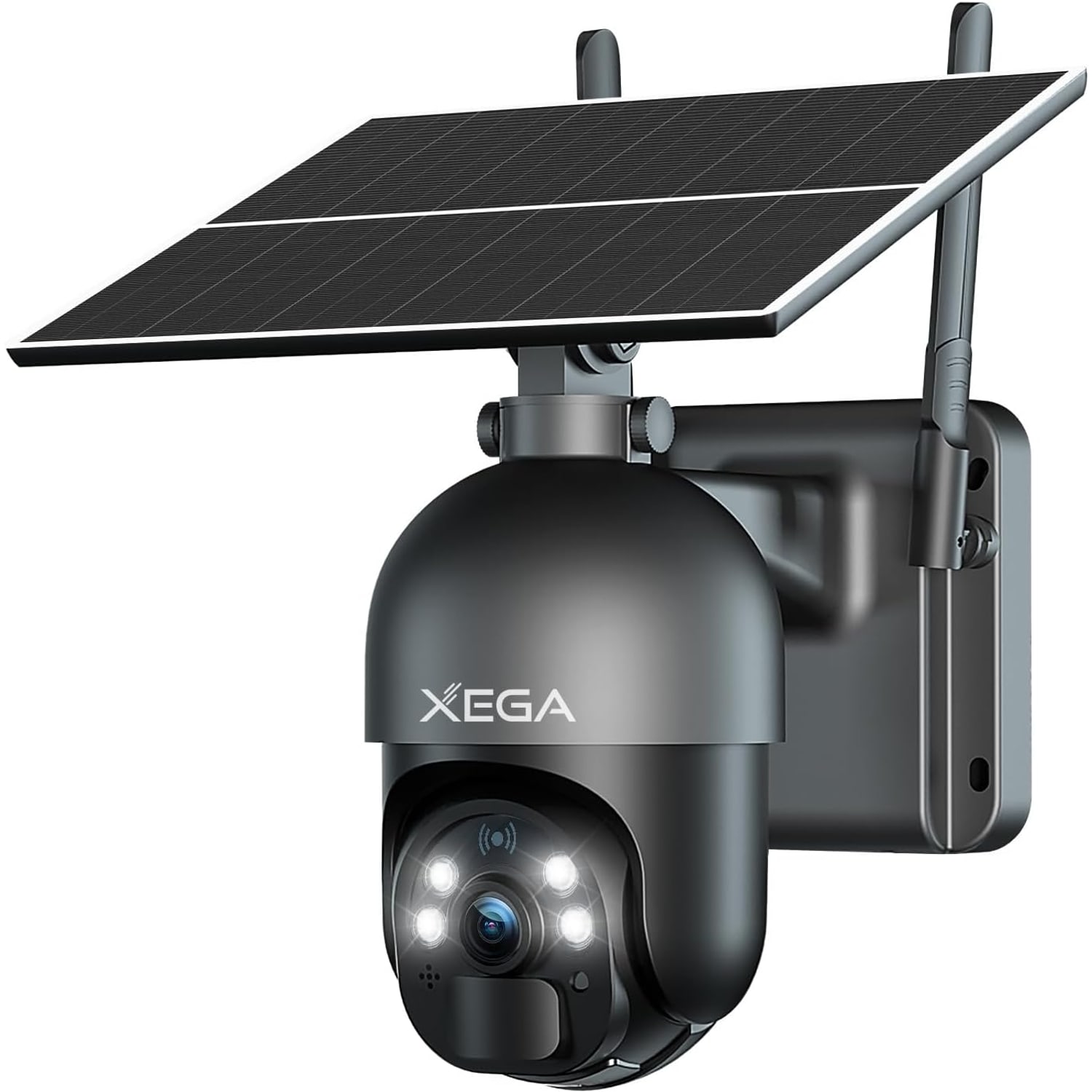
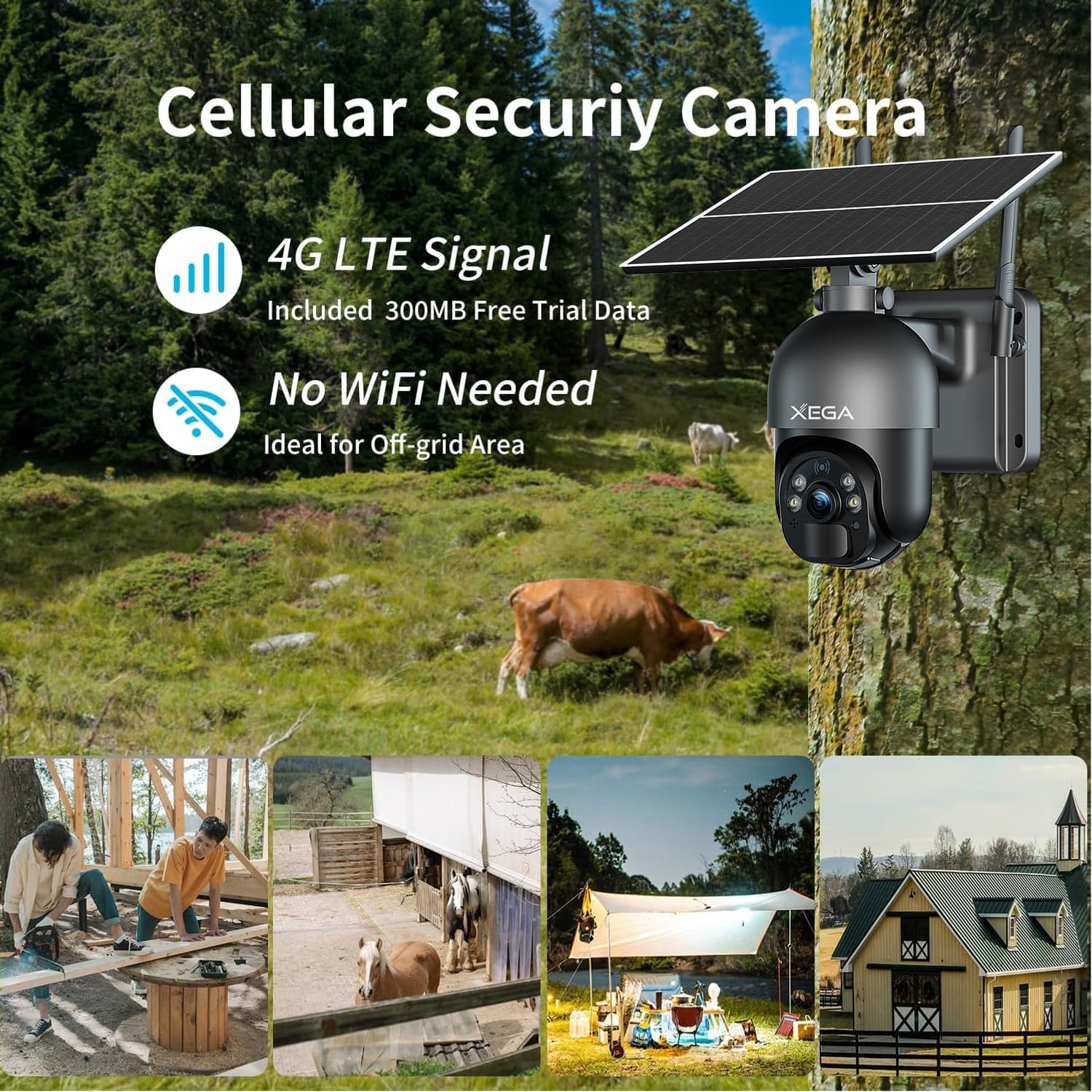
A 4G solar security camera removes both obstacles at once. It makes its own power from sunlight and its own connection from the cellular network. Once it is screwed to a post, it is independent.
How this one works
There are two systems inside the housing and they are worth understanding separately.
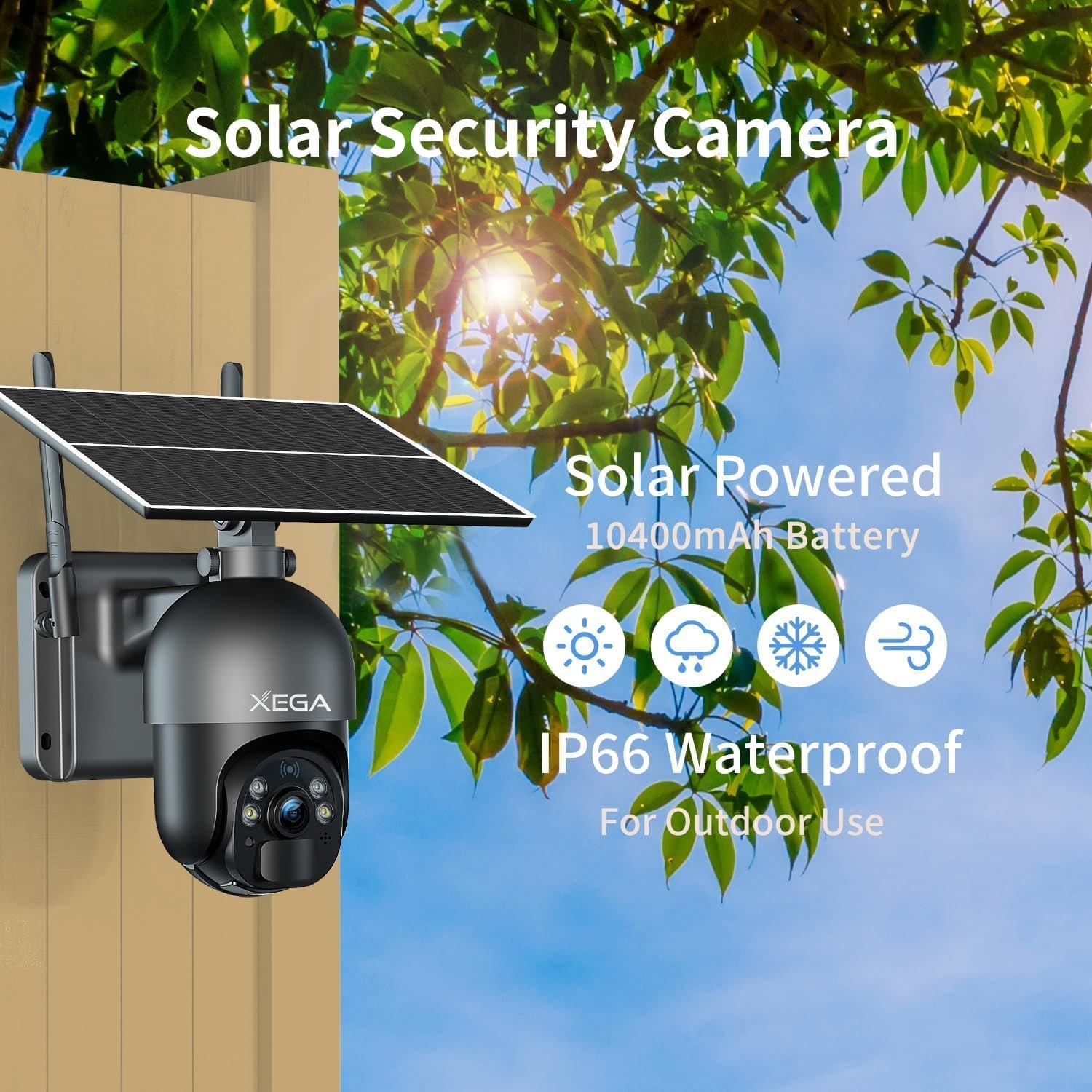
The power side is a 6W solar panel charging a built-in rechargeable battery, which the maker gives as 10400mAh in its description and 10000 in its spec table. During daylight the panel pushes charge into the battery, and the battery runs the camera when the sun is gone. The maker says the camera can work anywhere without an electric cable.
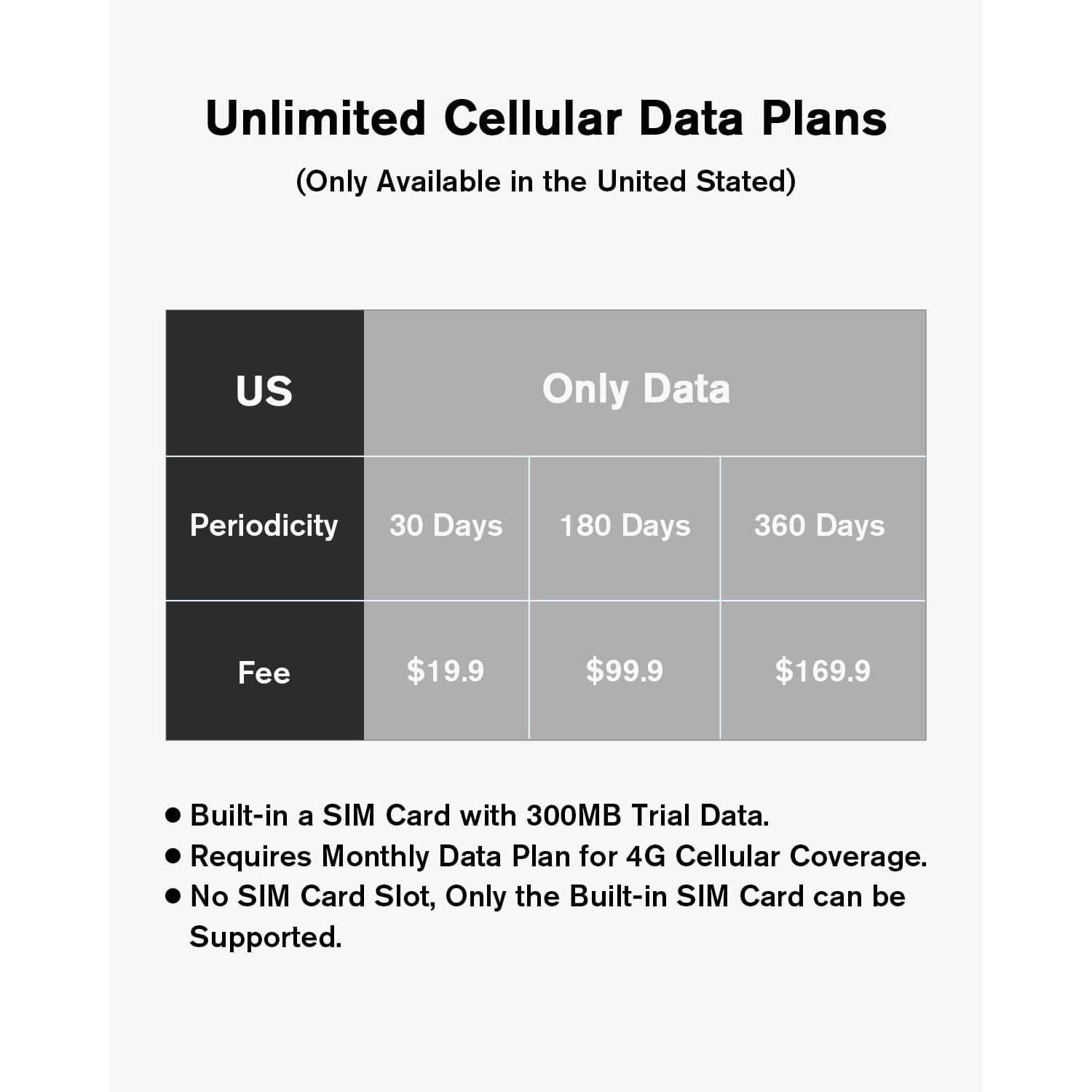
The connection side is 4G LTE over a SIM that is already built into the camera. There is no SIM card slot. The camera ships with trial data, and after that 4G coverage requires a monthly data plan. The practical upshot is that you do not need to buy a SIM. You also cannot swap in your own, so coverage at your chosen spot matters.
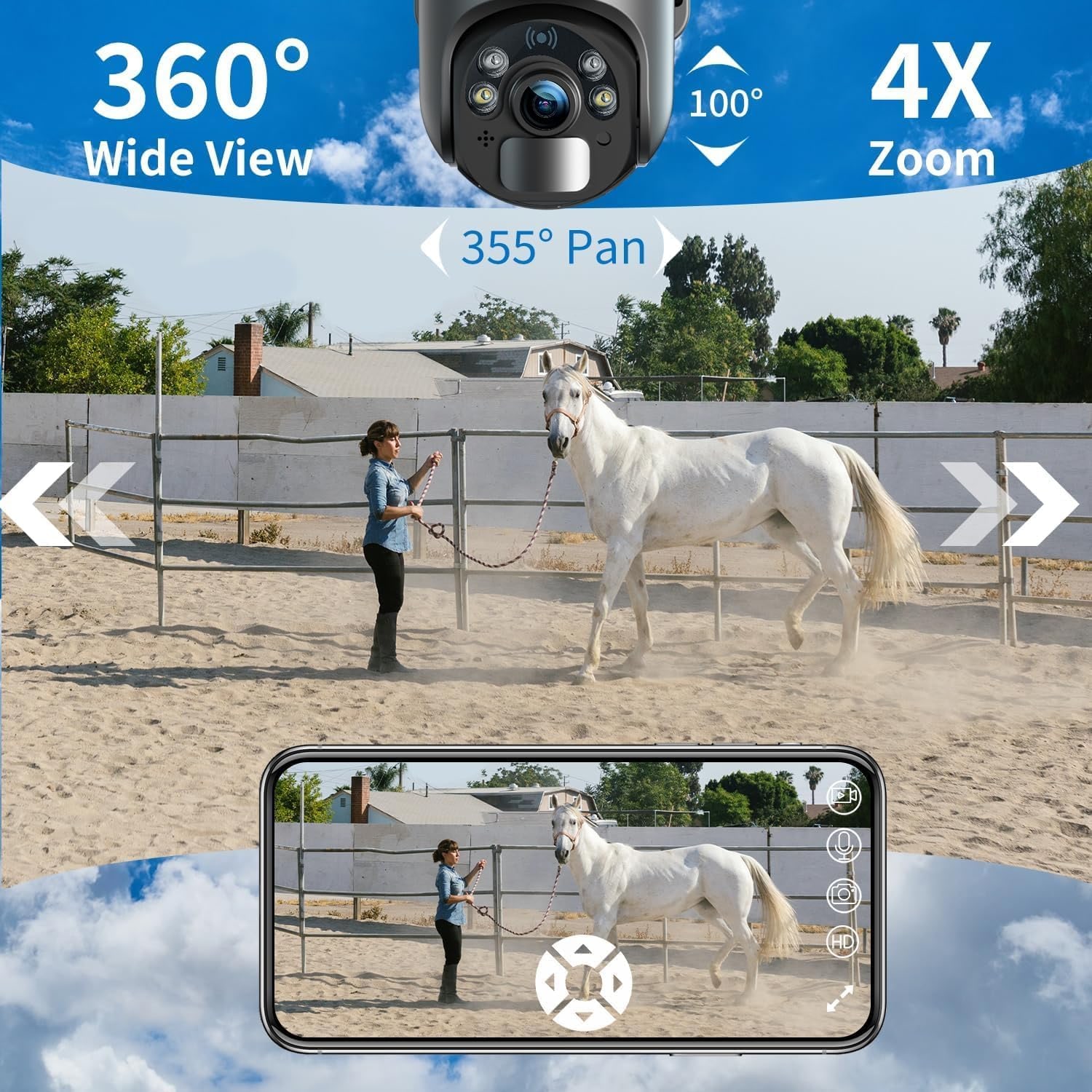
On top of that sits a pan-and-tilt head. It turns 355 degrees horizontally and tilts 95 degrees vertically, driven from the app on your phone. Add 4x zoom and you have a camera that can look almost anywhere from one mounting point rather than one fixed direction.
Picture quality, day and night
The maker describes the video as 2K. Its spec table gives a capture resolution of 1296p and an effective video resolution of 1080 pixels, saved as MP4. In practical terms that is enough to tell a delivery van from a pickup and see who is at the gate.
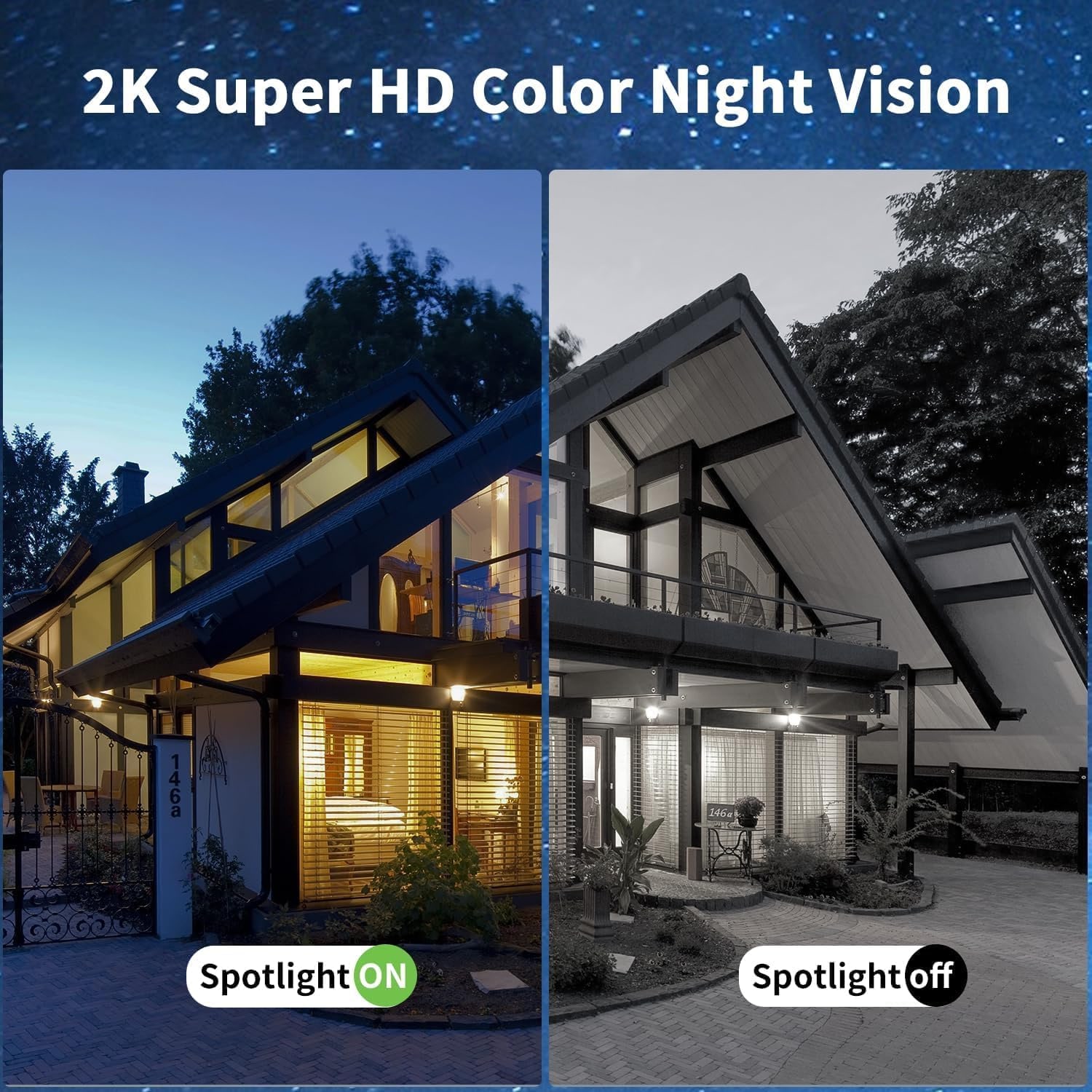
Night is where cheap cameras usually fall over, and this one can capture color footage at night, with the range given as up to 65ft in the maker's description and 25 meters in its spec table. That distinction is more useful than it sounds. In black and white, a navy hoodie and a black hoodie are the same hoodie. A red hatchback and a green one are the same gray shape. Color gives you a description you can repeat to someone else, and it makes your own review of the footage much faster because the scene reads the way your eye expects it to.
The maker's photos show how it works: color footage with the camera's spotlight on, and black and white with the spotlight off. The light source is LED.
Alerts you will actually leave switched on
The fastest way to make a camera useless is to let it cry wolf. People turn off notifications after the twentieth alert about a moth, and then they miss the one that mattered.
This camera uses a PIR motion sensor combined with software pixel analysis. PIR is naturally better than pure video motion detection at ignoring shadows, headlights sweeping a wall and rain. The software layer is there to catch the rest.
You can improve on that with placement. Point the camera across an approach rather than straight down it, so people walk through the detection zone instead of toward it. Keep branches, flags and hanging tarps out of frame. Avoid aiming at a road if you only care about the driveway. Mount high enough that animals do not fill the frame.
When it does trigger, you get a push alert, and you can open the live view and use the two-way audio. Being able to say something out loud is often enough to end the situation right there. One note worth repeating: recording audio and recording other people is covered by federal and state law, so read up on what applies where you are before you rely on it.
Storage and getting the footage
Clips record to a TF (microSD) card of up to 128GB, and the maker also offers cloud storage with a 30 day trial. Playback and downloads run through the app.
Local storage is a sensible choice for a camera like this, since the clips sit on the card in the camera. A card is not included, so order one at the same time and fit it before you mount the camera up high.
Choosing where to put it
Spend ten minutes on placement and the camera will work far better for years.
Start with signal. Walk to the exact spot with your phone, turn WiFi off and look at your cellular data bars. That is the single most important test, and it is free. If the signal is weak, try a higher mounting point or the other side of a structure, because metal walls and dense masonry block cell signal effectively.
Then look at the sun. The panel wants hours of direct light, so watch for shade from trees, gutters and the building itself at different times of day. A spot that is bright at noon can be shaded from two o'clock onward.
Then think about angles. A high mounting point usually gives good coverage and keeps the camera out of easy reach. Make sure the head has room to turn through its full sweep without hitting a soffit or a post. And check that rain runs off the panel rather than sitting on it.
The housing is ABS in a dome shape with a screw-in wall mount, with an IP66 waterproof rating and item dimensions of 10.08 x 7.28 x 5.91 inches. Fix it to something solid. A fence board that flexes in the wind will blur every clip you record.
Who it suits
This is a good fit for anyone with something valuable sitting away from the house. Rural properties, gates, sheds, barns and equipment yards. Construction sites between pours. Vacation cabins that sit empty most of the year. Boats, trailers and equipment parked on a back lot. A second garage at the end of a long block.
It is less of a fit if you have power and strong WiFi already at the spot. In that case a wired camera will give you continuous recording and never need a thought about sunlight or data. The 4G solar route earns its keep precisely where the easy options do not exist.
Keeping it running
Maintenance is light. Wipe the panel and the lens cover with a soft damp cloth every few weeks, more often during pollen season or after a dusty stretch. A film of grime on a solar panel cuts into charging. Clear snow and leaves off the panel in winter. Check the mounting bolts once or twice a year. If a long run of dark weather drains the battery, bring the camera in and charge it through the Type-C cable.
The short version
If the place you want to watch has no power and no WiFi, this camera solves both problems in one unit. Solar and a built-in rechargeable battery handle the power. A built-in 4G SIM handles the connection. You get a 355 degree pan with 4x zoom, video the maker describes as 2K, color night vision, PIR motion alerts, two-way audio, local recording to a card up to 128GB and an IP66 housing.
Before you order, do the phone test at the mounting spot and check the sun. Get those two right and the rest is a drill, a few screws and a scan of a code.