

The complete guide
How to Choose a 4K Webcam with AI Framing
The problem with the camera you already have
Open your laptop lid, start a call, and look at the little preview window. If your face looks slightly gray, a bit soft, and the background is blown out white where the window is, you are seeing the limits of a built-in camera. There is nothing wrong with the engineering. There is just no room inside a 5 mm screen lid for a sensor big enough to do a good job in ordinary room light.
That matters more than it used to. Interviews, client pitches, lessons and first introductions all happen on camera now. A dim, grainy picture does not ruin anything on its own, but it makes you look less present than the person in the next tile who sorted their setup out. A standalone camera with a bigger sensor is the single change that fixes the most for the least effort.
What a bigger sensor actually buys you
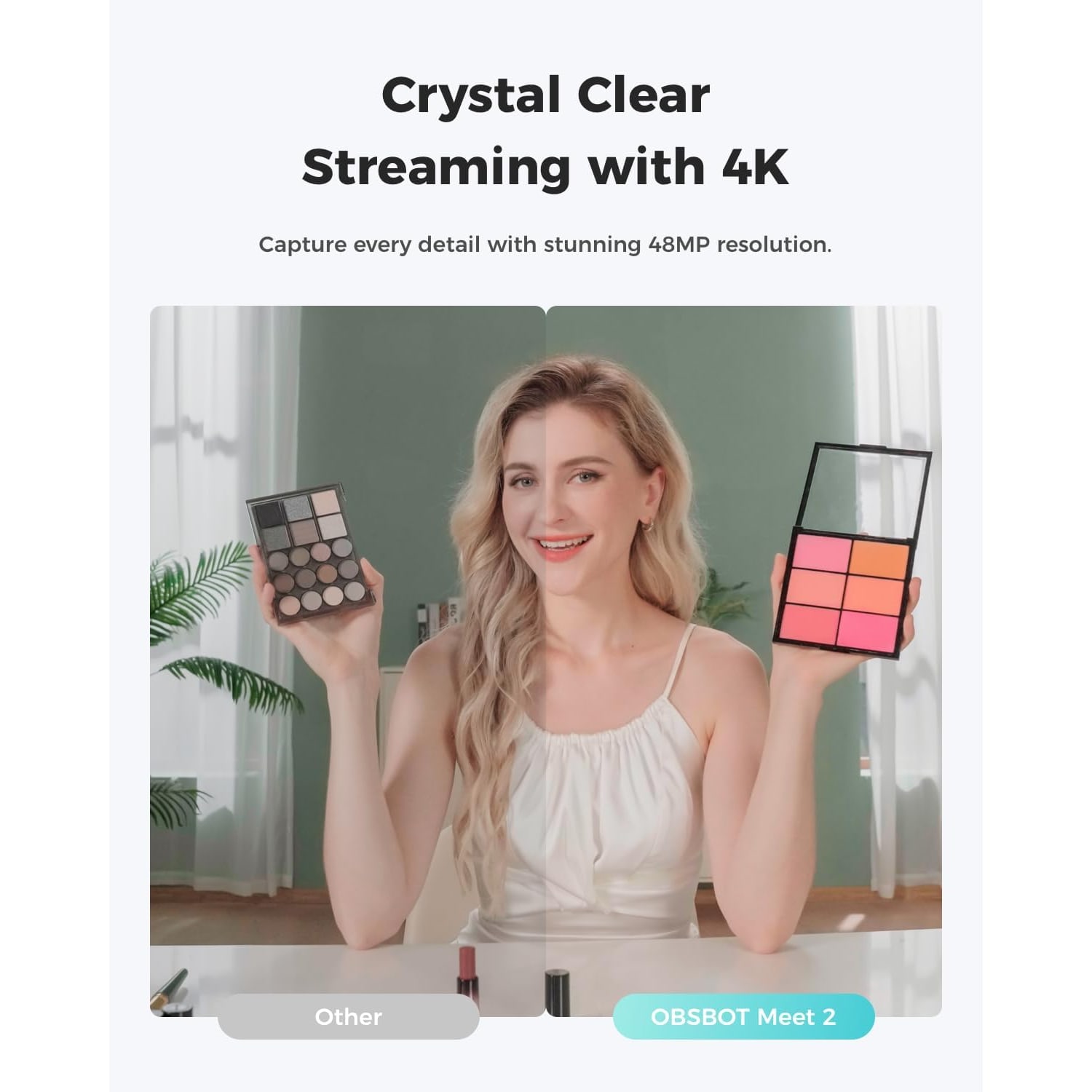
Resolution gets the headlines, but sensor size does most of the work. This camera uses a CMOS sensor with a 1/2-inch photo sensor size, which is a lot of surface area for a webcam. A bigger surface collects more light, and more light means less digital noise, better color and a picture that holds together when the sun goes behind a cloud.
Resolution still counts. At 4K UHD, you have detail to spare. Meeting platforms compress hard, and a crisp source image survives that squeeze far better than a soft one. You also get headroom for cropping. The 4x digital zoom works by cutting into the sensor image, so starting from 4K means a moderate zoom still looks clean, where the same crop from a 720p camera would fall apart.
The lens is a prime design with auto focus, a maximum aperture of f/1.8 and a stated focal range of 10 to 26. The wide aperture is part of the low-light story too, since it lets more light reach the sensor in the first place.
Why AI framing changes how calls feel
Most of us do not sit still. We lean in to read a shared document, sit back to think, swivel to grab something from a desk drawer. On a fixed camera, that means drifting toward the edge of frame or cutting off the top of your head.
AI framing tracks where you are and adjusts the view so you stay centered. The effect is subtle when it is working well. You stop thinking about your posture and start thinking about the conversation. For anyone who presents, teaches or streams while moving between a screen and a board, it removes a small, constant distraction.
Auto focus does the same job for sharpness. Lean 12 inches closer to show someone a product sample and the camera pulls focus rather than leaving you in a blur.
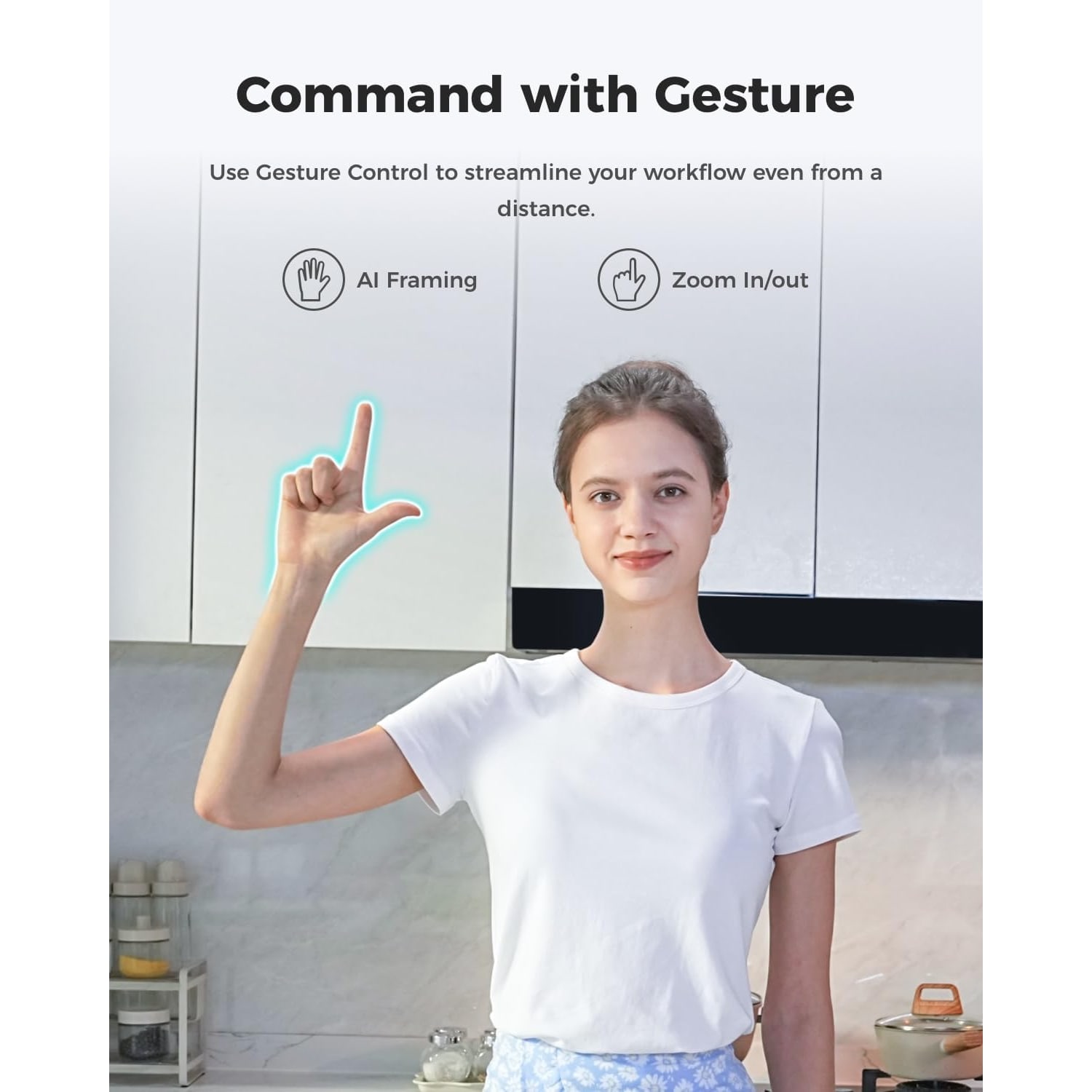
Gesture control is the practical touch on top. An open-hand signal toggles AI framing, and a pointing gesture handles zoom. You are not opening a settings panel while fifteen people watch you do it. One hand, one second, done.
Sound is half the job
People forgive a mediocre picture. They do not forgive audio they have to strain through. This camera carries two omni-directional microphones with noise cancellation that adapts to the scene, pulling down wind noise, keyboard typing and other ambient noise while keeping your voice forward.
For most working use, that is enough to retire a headset. If you record podcasts, voiceover or music, a dedicated microphone is still the better tool, because that is the whole point of a dedicated microphone. But for meetings, lessons and casual streams, built-in mics of this type do the job without adding another cable to your desk.
Supported audio formats are AAC, MP3 and PCM, so whatever recording or conferencing software you use should find a format it is happy with.
Who this camera suits
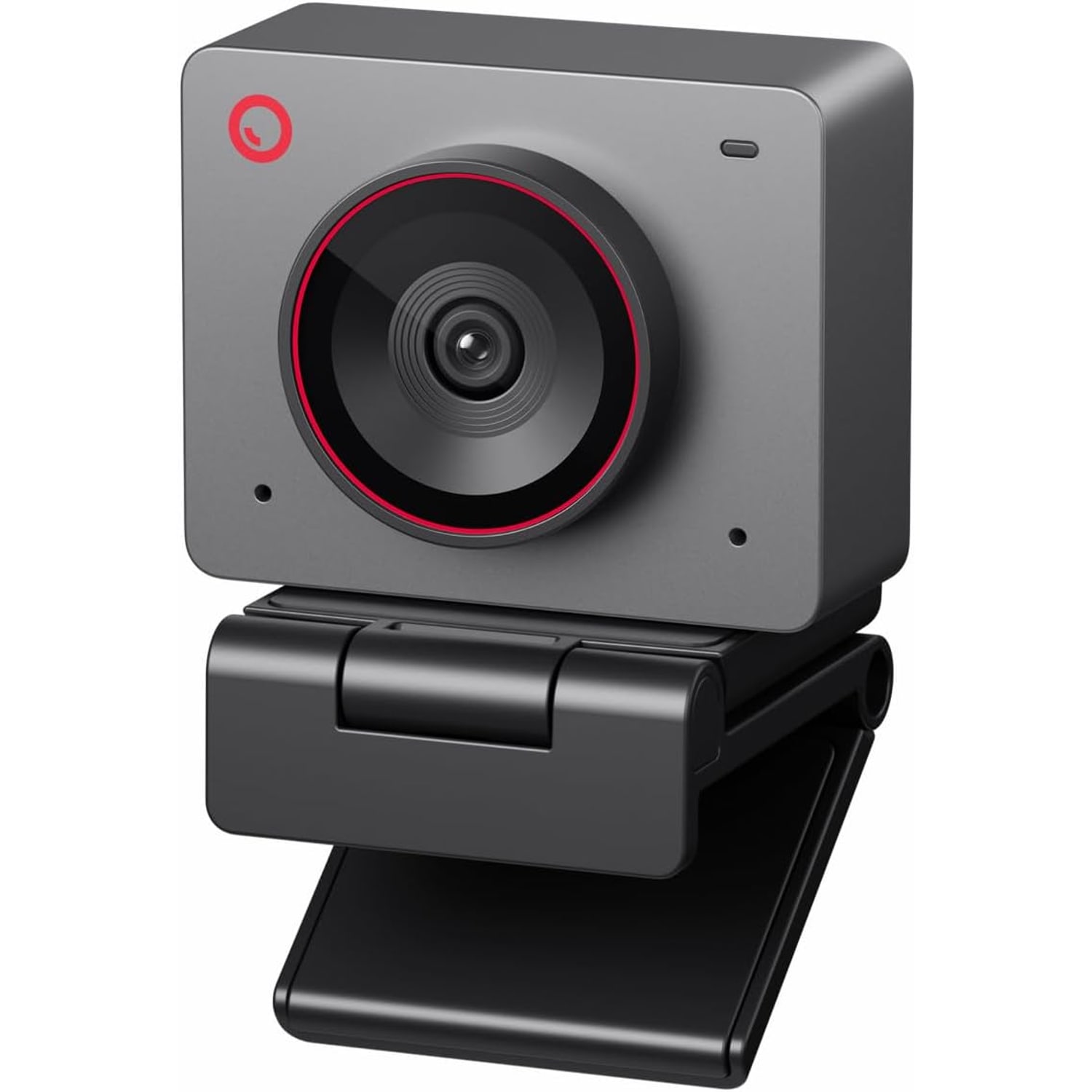
People who work in more than one place. At 40.5 g, this is a webcam the maker describes as about as big as a pair of earbuds. It goes in the same pocket as your charger. If you move between an office desk, a kitchen table and a shared workspace, a camera this small means you are not choosing between portability and picture quality.
People on thin laptops. Heavier webcams tip light screens forward. This one does not.
Streamers and gamers who move. AI framing and gesture control were built with this use in mind. You can adjust your shot without breaking stride.
Teachers and trainers. Framing follows you to the board, and the 4x digital zoom lets you push in on a document or object without physically repositioning anything.
It is less suited to a few things. There is no optical image stabilization, so it is not a handheld camera. It is not water resistant, so it stays indoors. And there is no onboard storage, so everything records to your PC or Mac rather than to a card inside the camera.
How to choose between webcams
Start with your lighting, not the spec sheet. If you work in a bright room with a window in front of you, almost any decent camera will look fine. If you work in the evening, under a single ceiling light, or with a window behind you, sensor size and aperture become the specs that matter most. A 1/2-inch sensor with an f/1.8 lens is a meaningful step up from the typical built-in camera in exactly those conditions.
Then ask how much you move. If you sit perfectly still in a fixed chair, framing features are a nice extra. If you present, teach, stream or fidget, framing is the feature you will notice every single day.
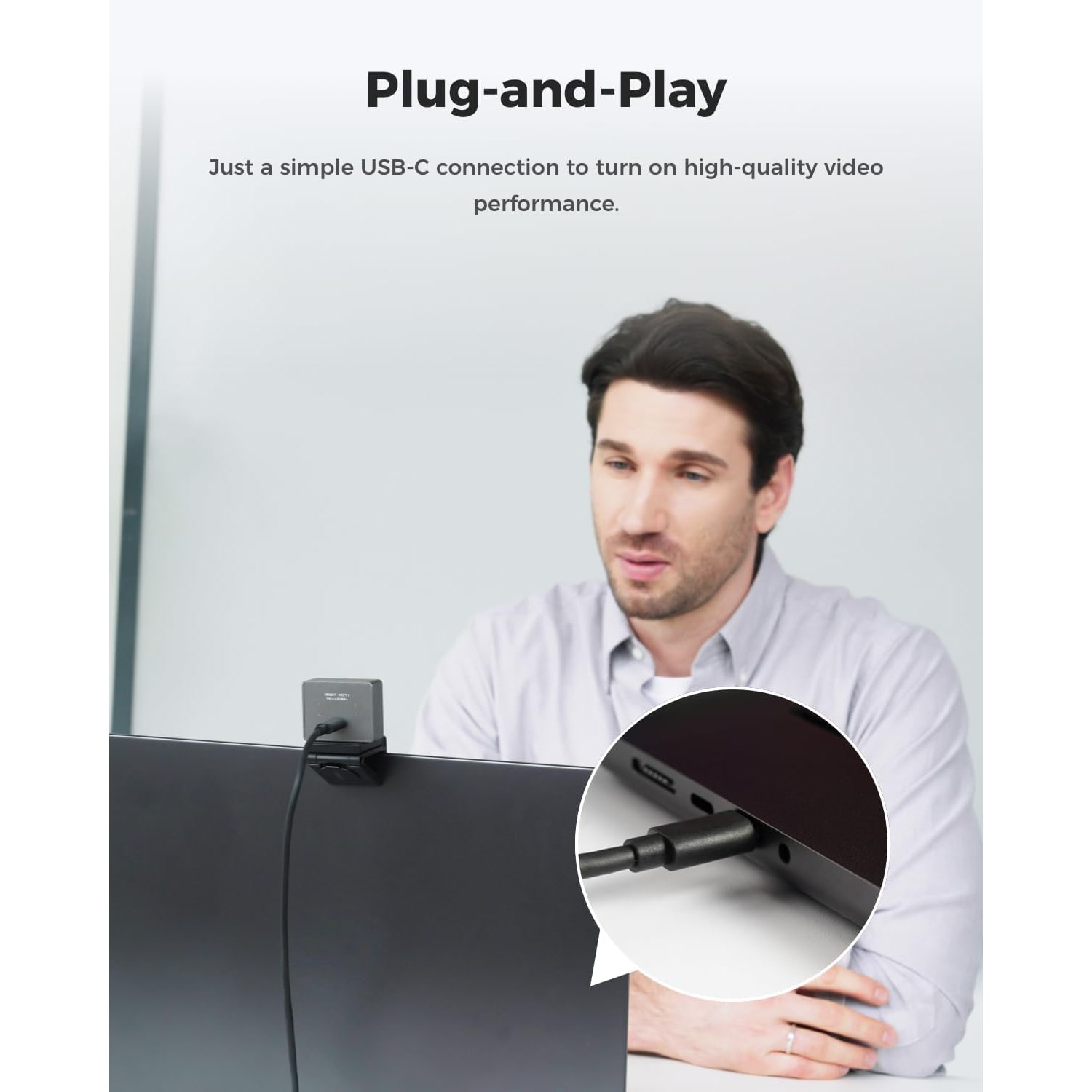
Next, think about setup friction. A USB plug-and-play camera with no separate power brick is simply easier to live with, especially if you move desks. One cable, no drivers, works on laptops, desktops and tablets.
Finally, consider size. A big camera on a small screen looks odd and blocks your view. A compact body sits neatly on a monitor bezel and does not draw attention away from your face.
Setting it up well
Position the camera at or slightly above eye level. Looking slightly up at a lens is more flattering than looking down at one, and it reads as more engaged.
Put your main light source in front of you, not behind you. A window facing your desk, or a lamp beside your screen, beats a ceiling light directly overhead every time. The camera handles exposure and white balance automatically, so give it something reasonable to work with and it will do the rest.
Check what is behind you. A clean wall or a tidy shelf reads better than a doorway with movement in it. You have 4K of detail, which means your background has 4K of detail too.
If you mount the camera above or below a monitor at an angle, remember it supports landscape, portrait and upside-down shooting modes, so an inverted mount is not a problem.
Looking after it
Keep the lens clean with a dry microfiber cloth. Fingerprints on a small front element cause more haze than you would expect. Skip solvents, alcohol wipes and paper towels, which can scratch coatings.
Give the camera open air. Compact cameras processing 4K video run warm during long sessions, which is normal, and ventilation helps. Do not tuck it under a cloth or into a sealed pouch while it is plugged in and running.
Unplug by the connector rather than tugging the cord, and store it in a small soft pouch when it travels. Keep it dry, since it is not water resistant.
A note on recording people
If you plan to record calls, meetings or anything involving other people, rules about recording audio and recording other people are covered by federal and state law. Check what applies where you are and get agreement from the people in the room before you hit record. It is a quick conversation that avoids a slow problem.
The short version
If your built-in camera makes you look tired in a well-lit room, the fix is a bigger sensor. This camera brings a 1/2-inch CMOS sensor, a bright f/1.8 prime lens and 4K UHD capture into a body that weighs 40.5 g and plugs in over a single USB-C cable.
AI framing keeps you centered without you thinking about it. Auto focus keeps you sharp when you move. Dual noise-canceling mics mean you are heard clearly without a headset. Gesture control lets you adjust framing and zoom with your hand instead of a menu.
It will not replace a dedicated microphone for serious audio work, and it is a desk camera rather than a handheld one. For everything else, from daily meetings to streams to lessons, it is the kind of upgrade you notice on the first call and stop thinking about after the second.