


The complete guide
Choosing an Indoor Pan and Tilt Camera That Actually Covers the Room
The problem with a camera that only looks one way
Most people buy their first indoor camera, stick it on a shelf, and then spend the next month realizing it is pointed at the wrong half of the room. The dog sleeps just outside the frame. The front door is at the edge. Someone moves the camera an inch while dusting and now you are watching a wall.
A fixed lens forces you to pick a winner. Pan and tilt removes the choice. The head turns, so one camera can check the couch, then the hallway, then the back door, all from your phone. That is the single biggest practical difference between a camera you check daily and one you quietly stop opening.
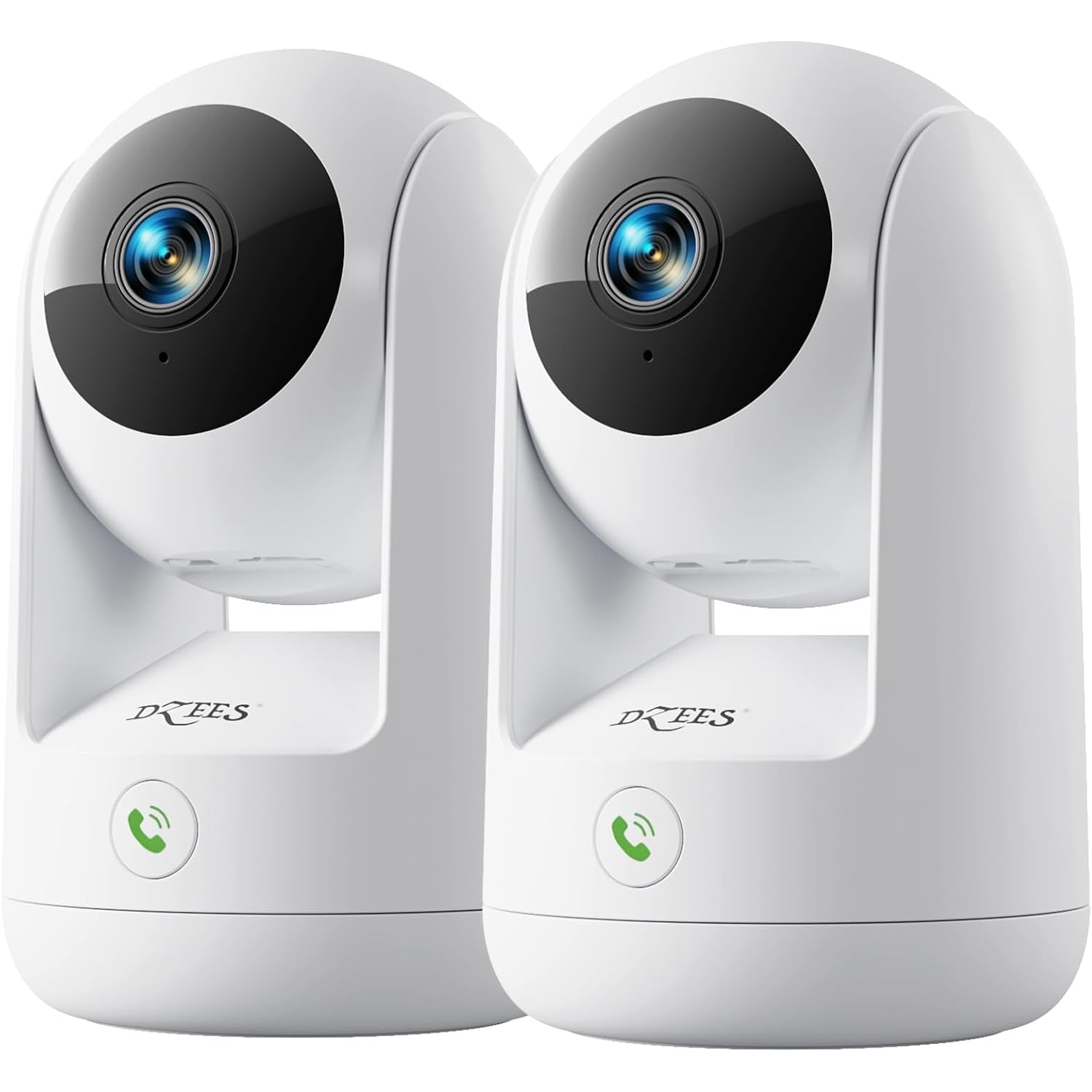
This model pans a full 360 degrees and tilts as well, and it comes as a two-pack. Two rooms, one app, one setup session.
How it works
Inside the oval white housing is a 3 MP CMOS sensor. The maker describes 2K live video, and its spec table gives a 1080p capture resolution in MP4 at 15 fps. The spec table also names auto focus and optical zoom, with no zoom factor given. The head pans and tilts, and the app drives it.
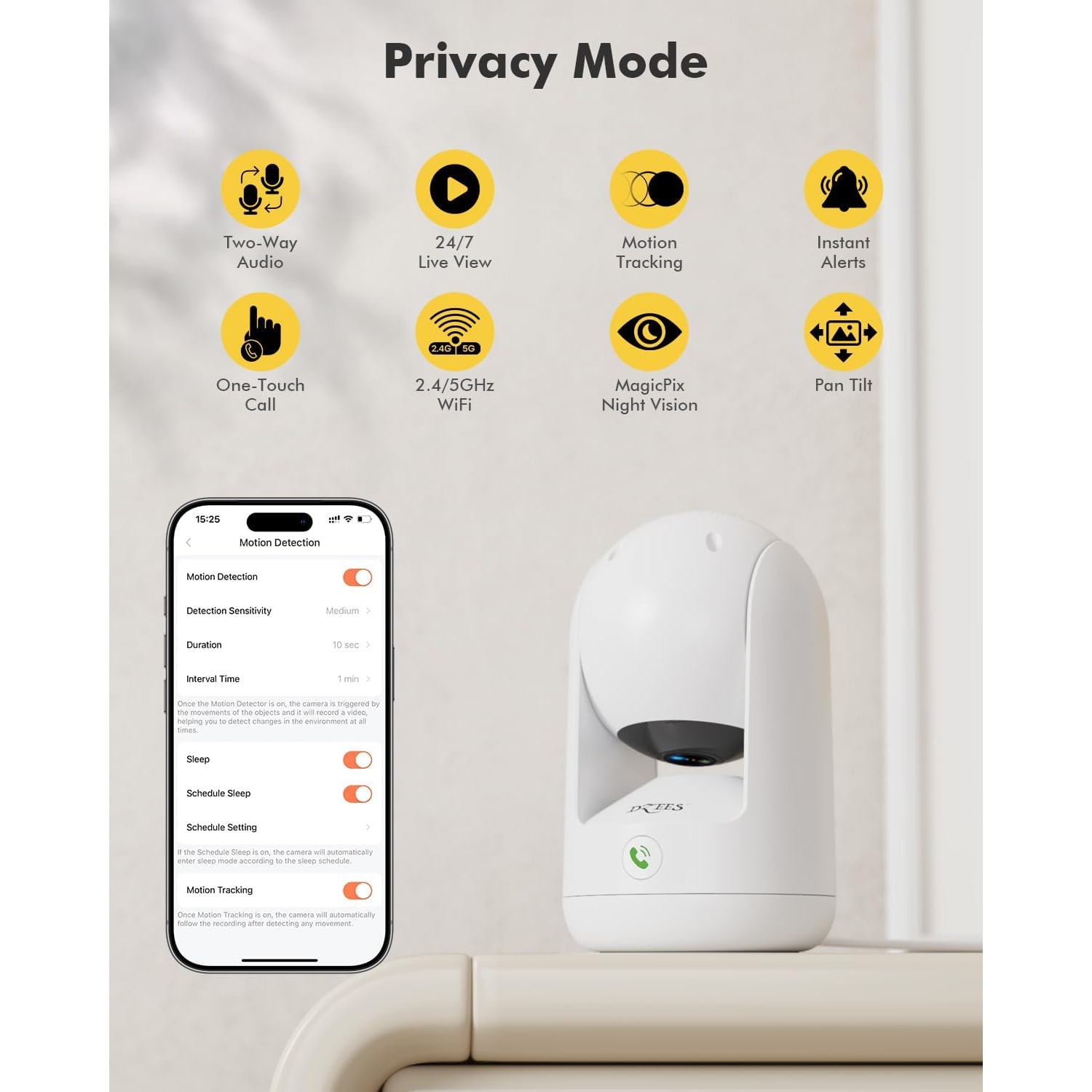
Wi-Fi is dual band. That matters more than it sounds. A 5GHz network carries a cleaner stream but does not travel as far through brick and plaster. A 2.4GHz network reaches further but shares airspace with half the gadgets in the house. Because you get two cameras, you can split the difference: 5GHz for the unit near the router, 2.4GHz for the one down the hall.
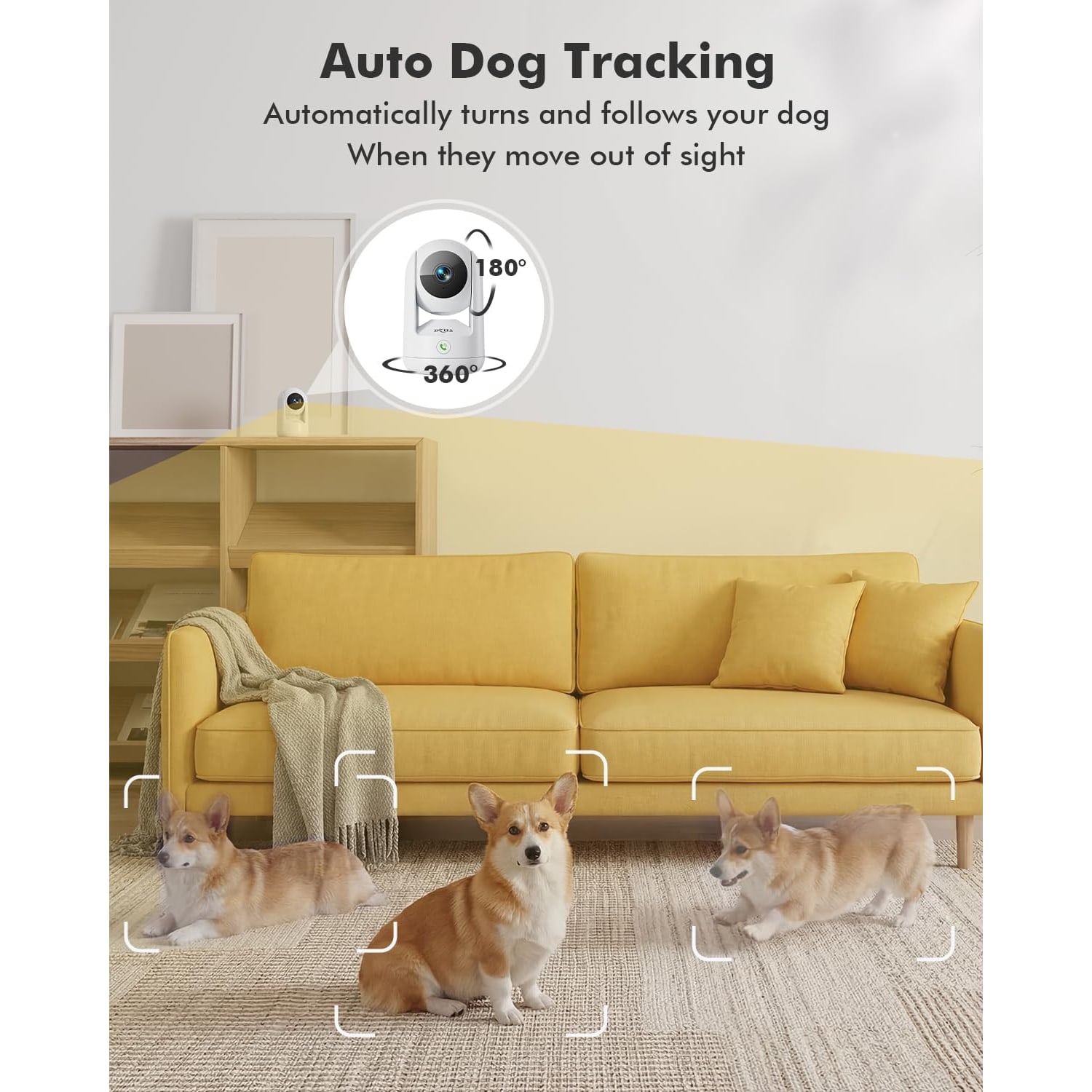
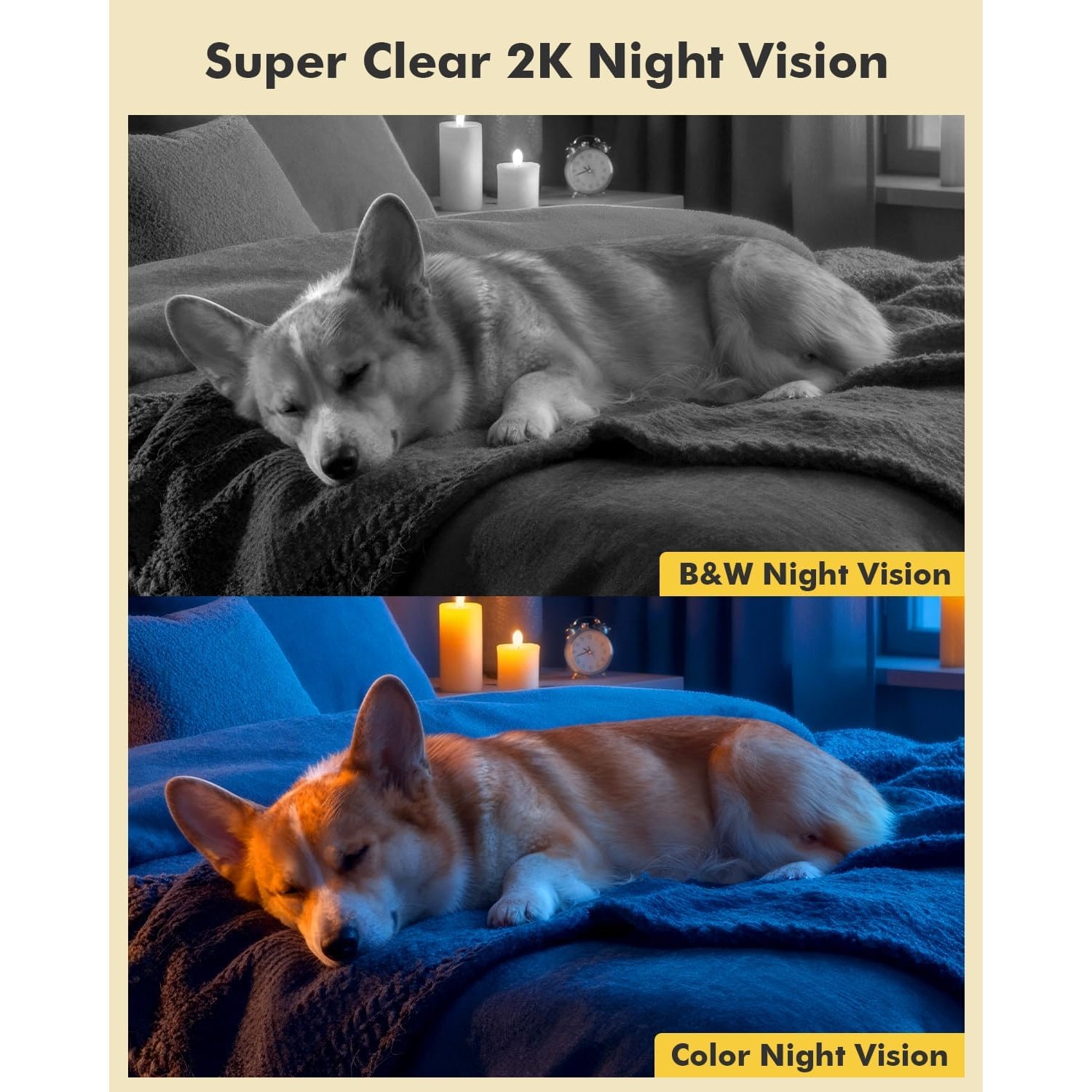
After dark, infrared night vision takes over automatically. On range, the maker gives the range as up to 33 ft in its description and 50 feet in its spec table, and Night Color is named as the night mode. The alert type is audio and motion, and the AI motion detection recognizes people and pets. The maker's photos note that AI features need an additional payment. The camera can also track a moving subject, turning to follow it.
Power is corded, with a 2 meter cable included for each unit. There is no battery, so every placement has to be within reach of an outlet.
Who it suits
Pet owners. This is the obvious one. Being able to find the cat rather than hope she walks past a fixed lens is the whole point of a 360 degree pet camera. Two-way audio means you can tell the dog to get off the couch, which works roughly half the time, which is still better than nothing.
Renters and apartment dwellers. Nothing here needs permanent installation if you do not want it. The bracket supports wall and ceiling mounting, but a shelf works fine. That makes it a reasonable pick for anyone hunting a wifi camera for apartments where drilling is awkward.
People who leave the house a lot. Home office workers, shift workers, anyone with a second property. The sleep schedule is useful here: the camera can stand down during the hours you set, which keeps the thing from feeling intrusive.
Households that want local storage. If the idea of a monthly plan puts you off, a microSD card up to 128GB handles recording on the device. The card is not included, so budget for one.
It is less suited to anyone who needs outdoor coverage, battery operation, or a camera that watches a wide area without ever being told where to look.
How to choose a spot
Start with corners. A camera in the middle of a wall wastes half its 360 degree sweep on the wall behind it. A corner placement, roughly chest height or higher, gives the motor something to do in every direction.
Avoid pointing at windows. Daylight behind a subject turns them into a silhouette, and at night the infrared bounces straight back off the glass. If a window is unavoidable, angle the camera so the glass sits at the edge of the frame rather than the center.
Think about the outlet before you think about the view. The power cable is 2 meters. A perfect angle beyond the reach of the nearest outlet is not a perfect angle.
Then set your zones. The app lets you set key monitoring zones and preset viewing angles. Spend ten minutes on this and the alerts become useful. Skip it and you will get a notification every time a curtain moves, which is how most people end up muting their camera app permanently.
Setting expectations on detail
2K sounds like a lot, and for room-scale monitoring it is. You will see who came in, what they were carrying, and where the pet went. What you will not reliably get is a license plate through a window or a readable document on a desk across the room. The frame rate is 15 fps, which is normal for this class and fine for recognizing events, slightly less smooth than video you might be used to from a phone.
Preset viewing angles help more than people expect. It is worth finding the spots you care about during setup, then saving those as presets so you can jump straight to them later.
Care and upkeep
There is not much to it. Unplug the camera before you clean it. Wipe the ABS housing with a dry or barely damp microfiber cloth, and use a dry lens cloth on the lens only. No solvents, no sprays, no kitchen wipes. A smeared lens is the most common reason a camera that looked sharp in week one looks foggy in month six.
Keep it indoors and away from steam and cooking grease. Kitchens and bathrooms are rough on electronics, and the maker describes this camera for indoor use only. Do not box it in behind books where it cannot turn.
If you are using a memory card, check it every few months. Cards do wear out with constant writing, and a card that has quietly failed is worse than no card at all because you think you have footage when you do not.
A note on recording other people
Worth saying plainly. Recording audio and recording other people is covered by federal and state law, and the rules differ depending on where you live and who is in the room. Common sense applies: tell roommates and guests that a camera is there, and think twice before recording audio in shared spaces. Many people simply turn audio recording off and keep the two-way talk function for live conversations. That sidesteps most of the awkwardness.
The short version
If you want one camera to cover one fixed view, there are simpler options. If you want to actually look around the room, a pan and tilt model is the right tool, and getting two of them in one box covers most small homes in a single purchase.
The strengths here are the 360 degree sweep, 2K live view, dual-band Wi-Fi that gives you placement flexibility, two-way audio, automatic infrared night vision, and local recording to a microSD card without a plan. The trade-offs are that it is indoor only, it needs an outlet, and the memory card is extra.
Set it in a corner, draw your motion zones, save a couple of presets, and it mostly looks after itself from there.